Best AI Customer Support Software: 10 Top Tools
Compare AI customer support software for channels, automation, pricing, and team needs. Find a fit for customer service, sales, or appointment booking.

The best AI customer support software should do more than send quick replies. It should fit the way your customers reach you and make it clear when a person needs to step in.
Here are 10 tools for different support needs. CXWizard is first for service businesses that want AI conversations across WhatsApp, Instagram DMs, and website chat, with appointment booking built into the workflow.
Table of Contents
- CXWizard
- Freshdesk by Freshworks: AI automation with flexible ticketing
- Decagon: Customizable AI workflows for enterprise teams
- Sierra: Enterprise AI agents with safety testing
- Cognigy: Visual workflows for voice and chat automation
- Zendesk: AI agents within a service platform
- HubSpot Service Hub: AI-powered customer service and retention
- Yuma: AI customer support software for support operations
- Gradient Labs: AI agents for financial services support
- Comm100: AI support software for omnichannel service
- AI Customer Support Software Comparison Table
- Pricing, Build vs. Buy, and Measuring Support ROI
- AI Customer Support Software FAQs
- Conclusion
1. CXWizard
CXWizard is an agentic AI customer support and sales platform for service businesses. Its agents answer questions, qualify leads, follow up, and book appointments across WhatsApp, Instagram DMs, and website chat. When a conversation needs a person, the agent can hand it off through a shared team inbox.
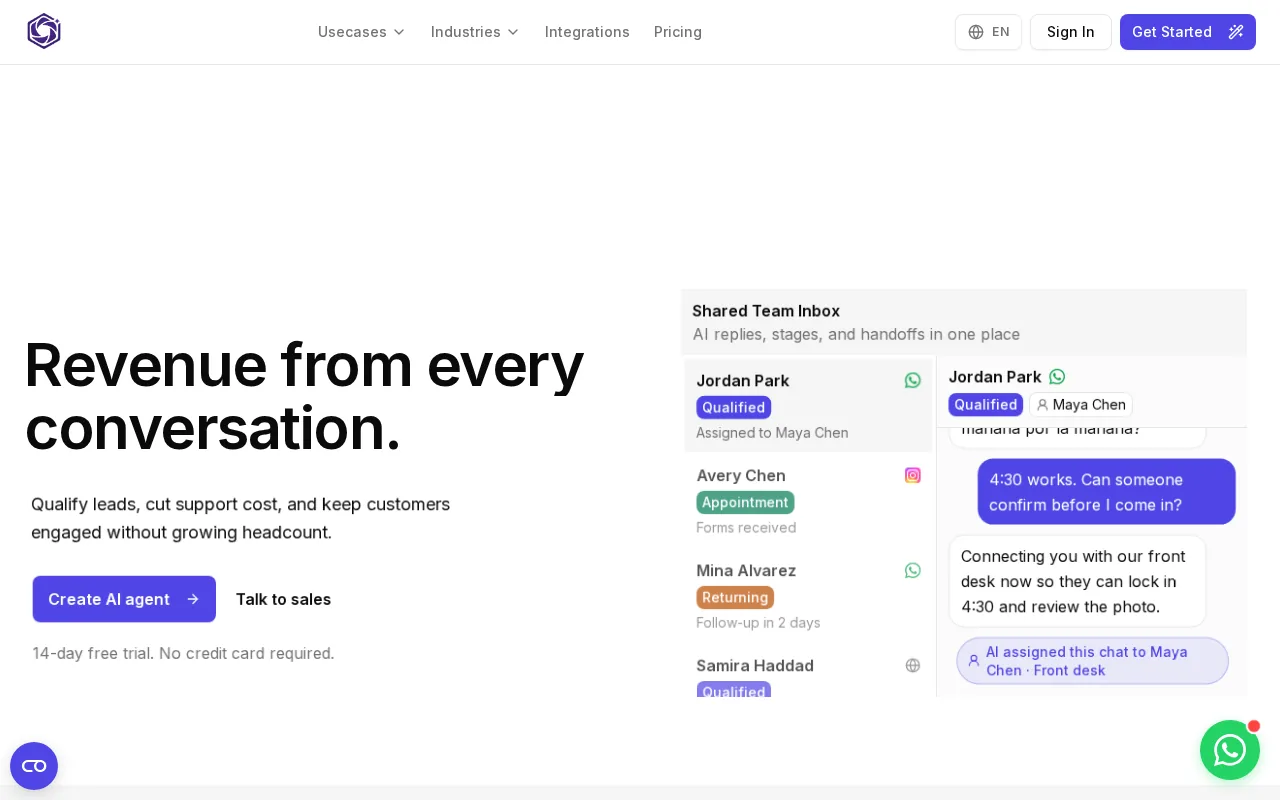
That mix makes CXWizard a fit for clinics, real estate teams, home services, education consultancies, and other appointment-driven businesses. A customer can ask about a service, get qualified, then book through a connected scheduling tool without leaving chat. For more detail on channel and team fit, see this AI customer support platform overview for small businesses.
CXWizard lists Hobby at $40 per month, Starter at $100, and Pro at $290, plus an Enterprise plan. The 14-day free trial includes Starter features and does not require a credit card.
Key Takeaway: Choose CXWizard when customer conversations need to lead to a booked appointment, not just a support reply.
For service teams, fewer steps between a customer question and a booked visit can make the handoff easier to manage.
2. Freshdesk by Freshworks: AI automation with flexible ticketing
Freshdesk by Freshworks combines ticketing with automation for teams scaling customer support. It is a fit for growing teams that need a structured way to sort incoming requests as volume rises.
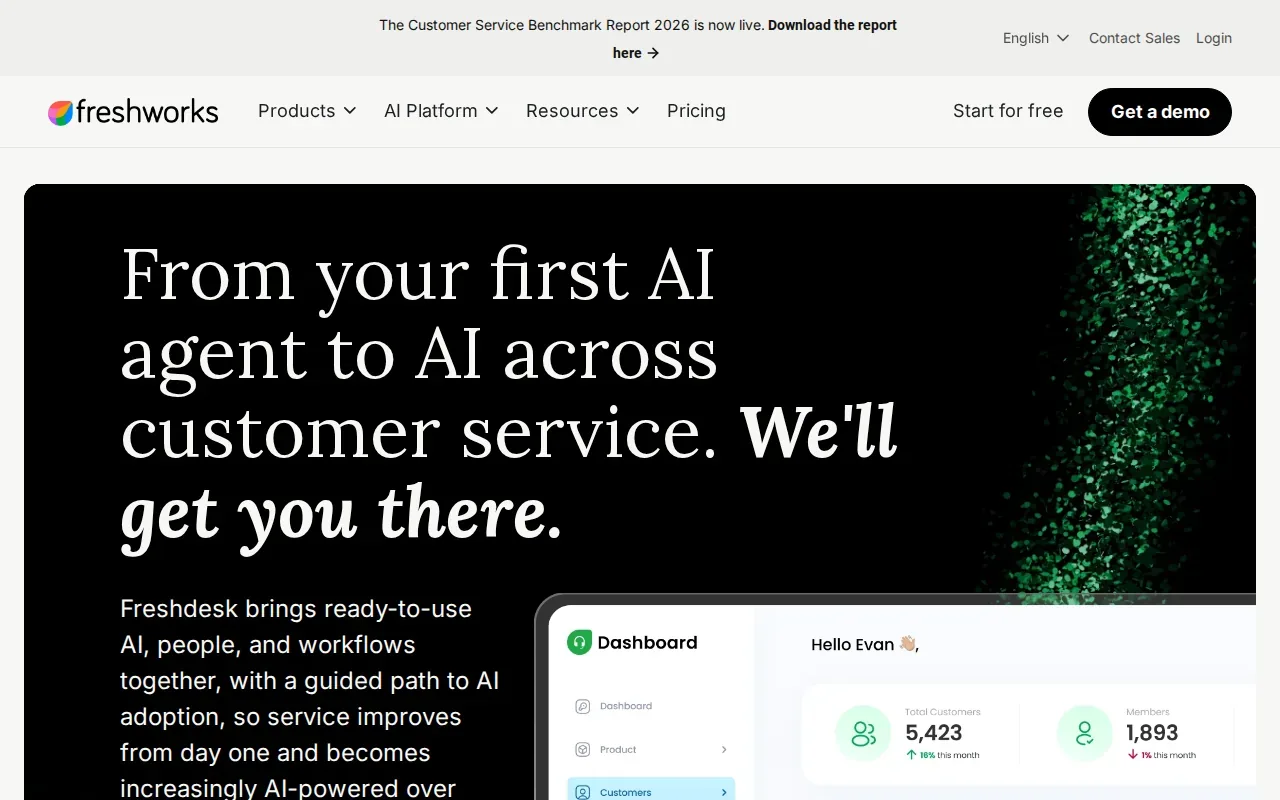
Its AI can automate routine tasks, route tickets, and help agents respond faster. Email, chat, and voice are among its supported channels. If your team already works from a ticket queue, this kind of setup can help keep ownership and customer context in one workflow.
Think through your routing rules before rollout. Decide which requests can be handled automatically and which should go to a person. Teams that rely on social messaging or appointment booking should check that their full customer journey fits the product’s channel setup.
3. Decagon: Customizable AI workflows for enterprise teams
Decagon builds modular Agent Operating Procedures, or AOPs, for complex support workflows. Each AOP bundles prompts, logic, actions, and rules. It is best suited to enterprise teams with engineering resources that want to shape how an AI agent handles specific cases.
For example, a refund request may require the agent to check a policy, review account details, and take an action before replying. Decagon’s chat agent can handle multi-step, policy-heavy workflows like refunds, account changes, and complex troubleshooting. Teams should map the rules carefully so the agent knows when it can act and when it should hand off.
This option makes more sense when your workflow needs fine control than when you only need quick answers to common questions.
4. Sierra: Enterprise AI agents with safety testing
Sierra is an AI agent platform for large consumer brands that want vendor-led implementation and simulation testing. Its proprietary AI system uses simulations to test agent behavior, alongside enterprise-grade safety controls.

That approach is useful when an incorrect answer or action could affect many customers. A team can test scenarios before customers encounter them, then review how the agent handles those scenarios.
Before choosing Sierra, define who will manage the agent after rollout and how your team will review changes. Its strengths are aimed at large-scale operations, rather than a small team looking for a simple first chatbot.
5. Cognigy: Visual workflows for voice and chat automation
Cognigy has a visual flow builder for multi-step conversations across voice and chat. It is best for large enterprises that need to automate IVR and voice support alongside chat workflows.

A visual builder can help teams map what should happen after a caller asks for help, including when to ask a follow-up question or route the interaction. Cognigy also has payment processing integrations, which may matter when a support conversation needs to connect with a payment step.
Its focus on voice and enterprise workflows makes it a different fit from a service-business tool centered on social messaging and appointment booking. Test the flows with realistic caller requests before deploying them widely.
For a visual sense of the channel mix, picture a voice agent and a chat workflow passing the same customer request through clear, linked steps.
6. Zendesk: AI agents within a service platform
Zendesk includes AI agents within a service platform. Its positioning focuses on agents that resolve issues end to end, rather than only deflecting customers to help content.
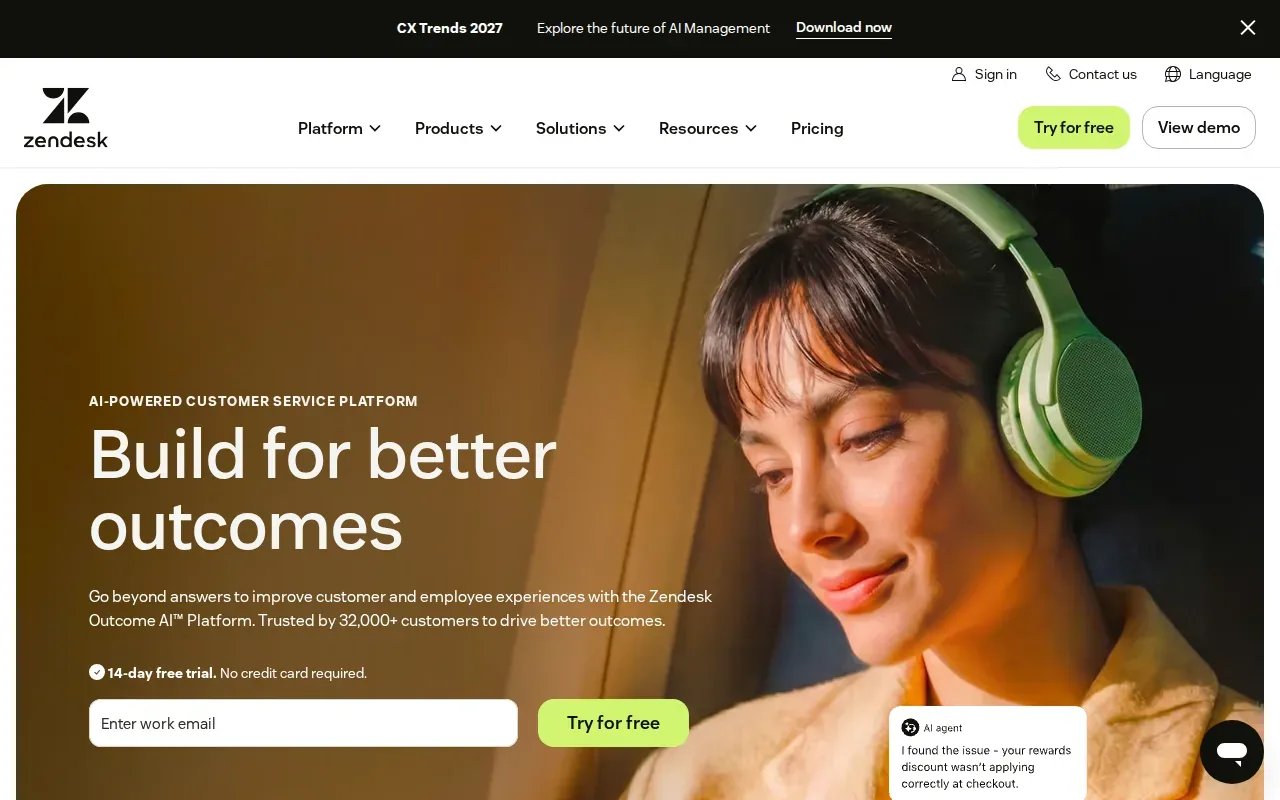
This may suit teams already organizing support in a service platform and looking to add more automation to existing work. Consider how the AI will work with your ticket types and how a human agent will take over when a case needs judgment.
When comparing it with a separate AI layer, look at the whole workflow: where the conversation starts, what information the agent can use, and how a handoff reaches your team.
7. HubSpot Service Hub: AI-powered customer service and retention
HubSpot Service Hub is customer service software powered by AI, with a focus on scaling support and customer retention. It may fit teams that want service work to support customer relationships over time.
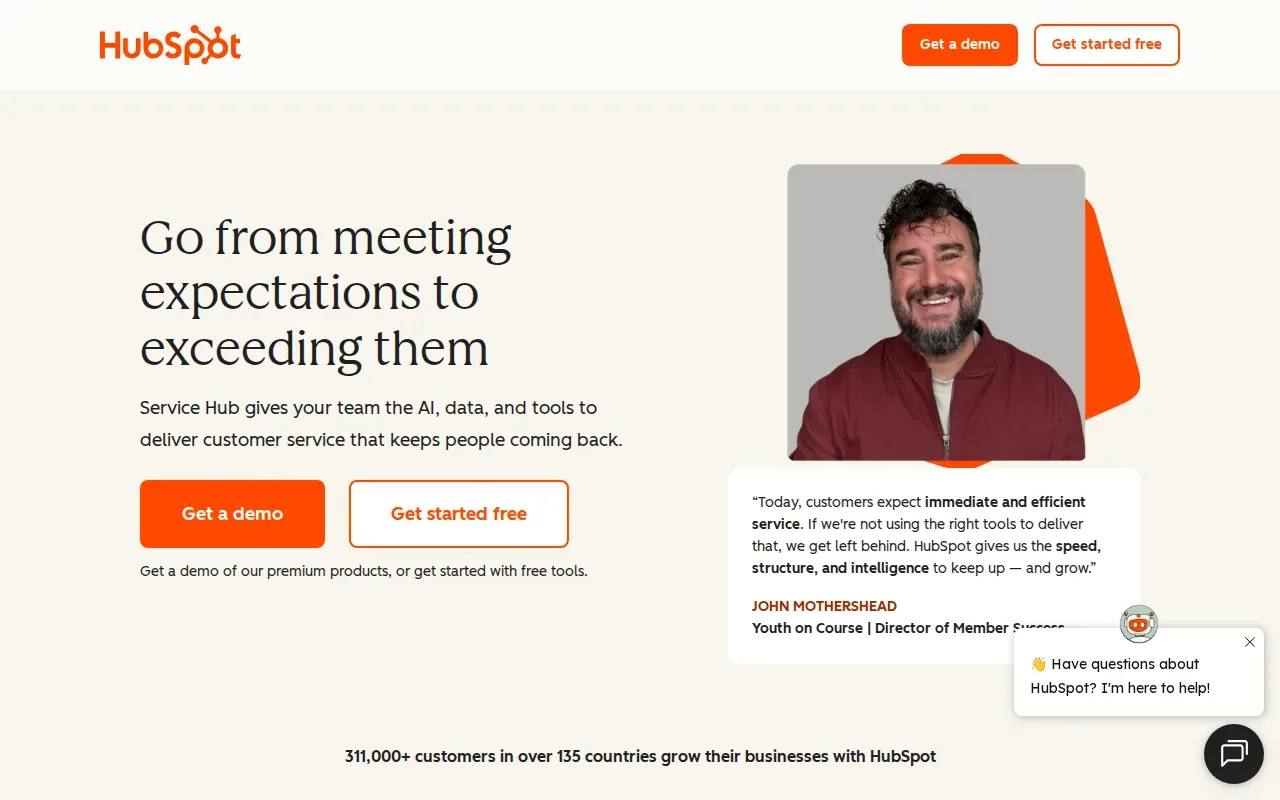
When you evaluate it, map your support needs to the workflows your team uses each day. For example, decide what kinds of customer questions should be handled by AI and what should reach a person. Check that the setup supports your current service process before you shift more conversations to automation.
Keep the goal specific. Faster replies are useful, but your team should also know whether the customer’s issue was resolved or simply moved out of the queue.
8. Yuma: AI customer support software for support operations
Yuma is an AI customer service platform for ecommerce support. It works inside an existing helpdesk and is aimed at teams handling customer questions tied to orders and related service tasks.
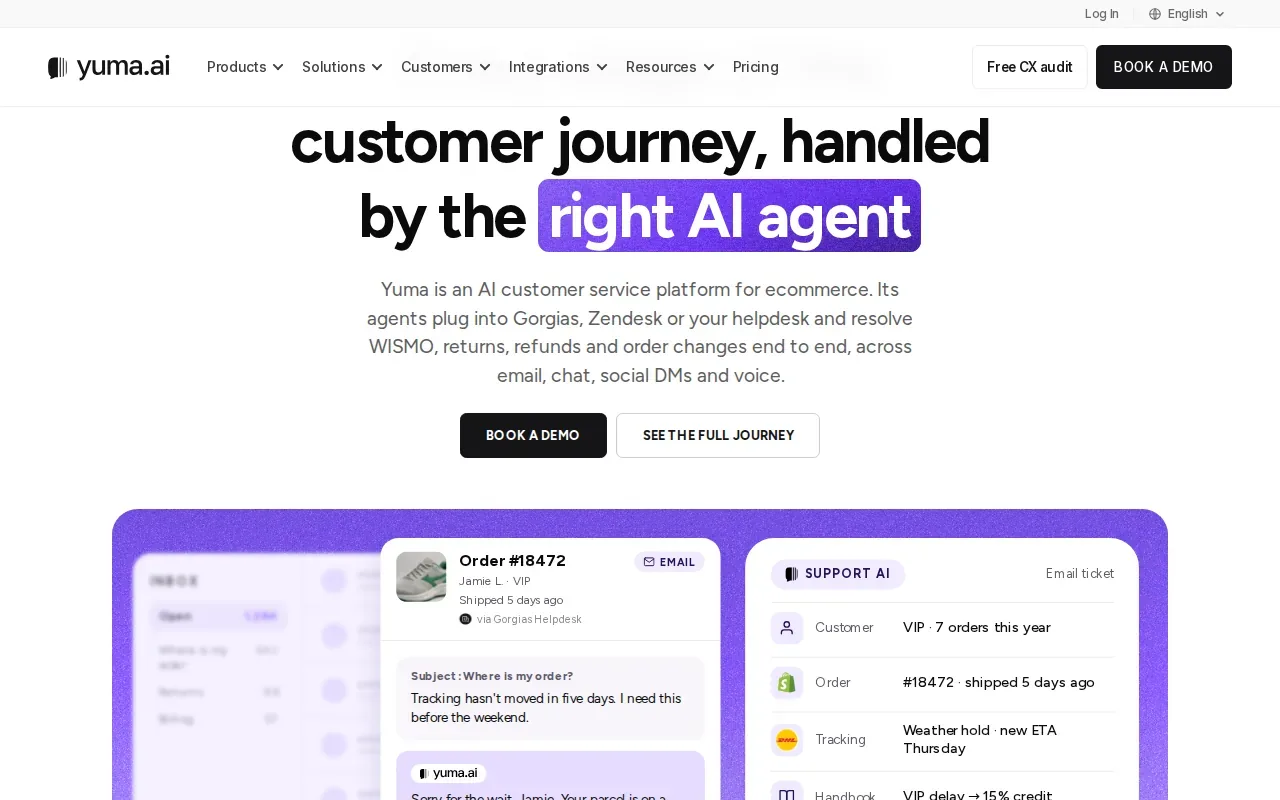
Yuma supports refunds, exchanges, subscription retention, and order edits. That makes Yuma a relevant option when support conversations often depend on order details or a policy-based action. Teams can assess whether its ecommerce focus matches their customer requests.
For a service business whose main need is appointment booking through social channels, compare the day-to-day workflows before treating an ecommerce-first tool as a close fit.
9. Gradient Labs: AI agents for financial services support
Gradient Labs builds AI agents for financial services. Its use cases include disputes, KYC, lending, customer support, and back-office work.
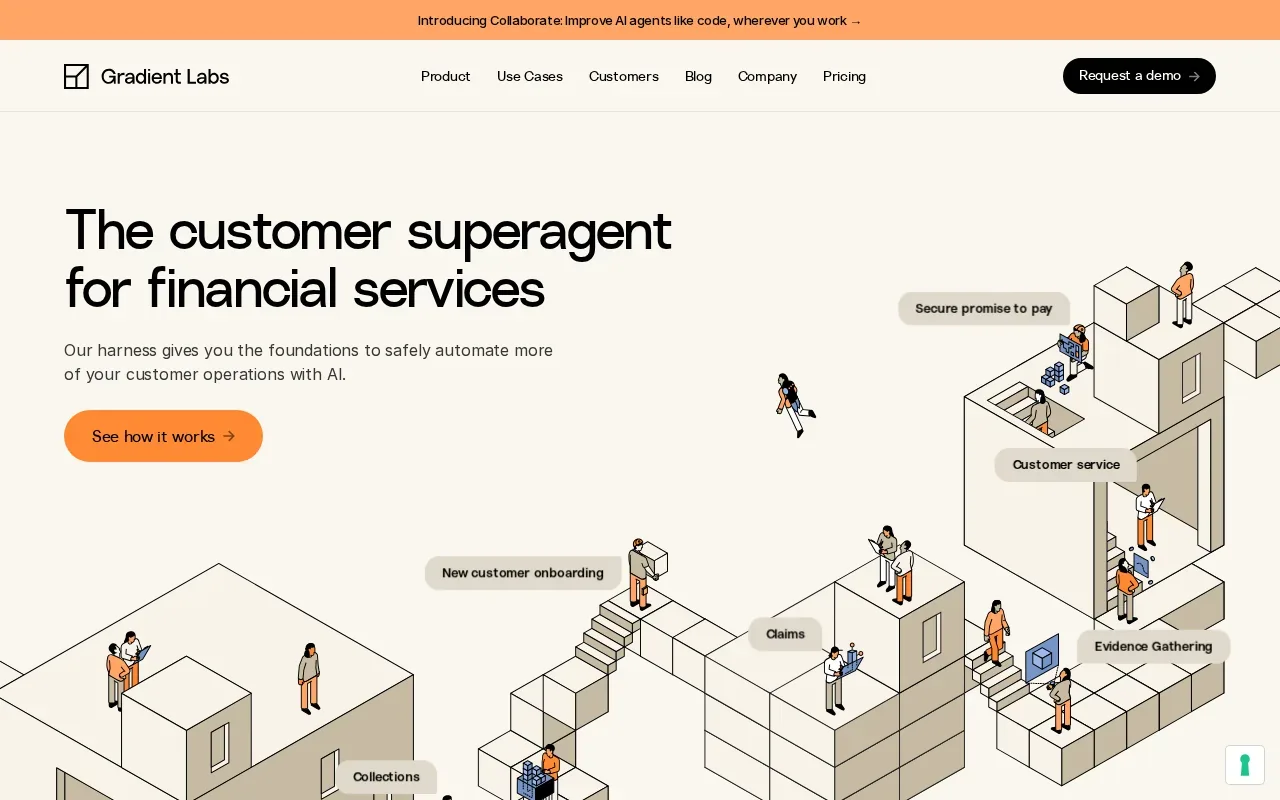
That focus makes it a fit for teams whose support tasks are closely tied to financial products and operations. A team comparing financial-service automation should list the actions its agent needs to take, then check how each action fits its approval and review process.
If your business handles appointments, leads, or general service questions instead, a tool designed for financial workflows may not match your main need.
10. Comm100: AI support software for omnichannel service
Comm100 is an AI customer support platform for omnichannel service. Its platform brings together AI chatbots, messaging, ticketing, and voice communication.
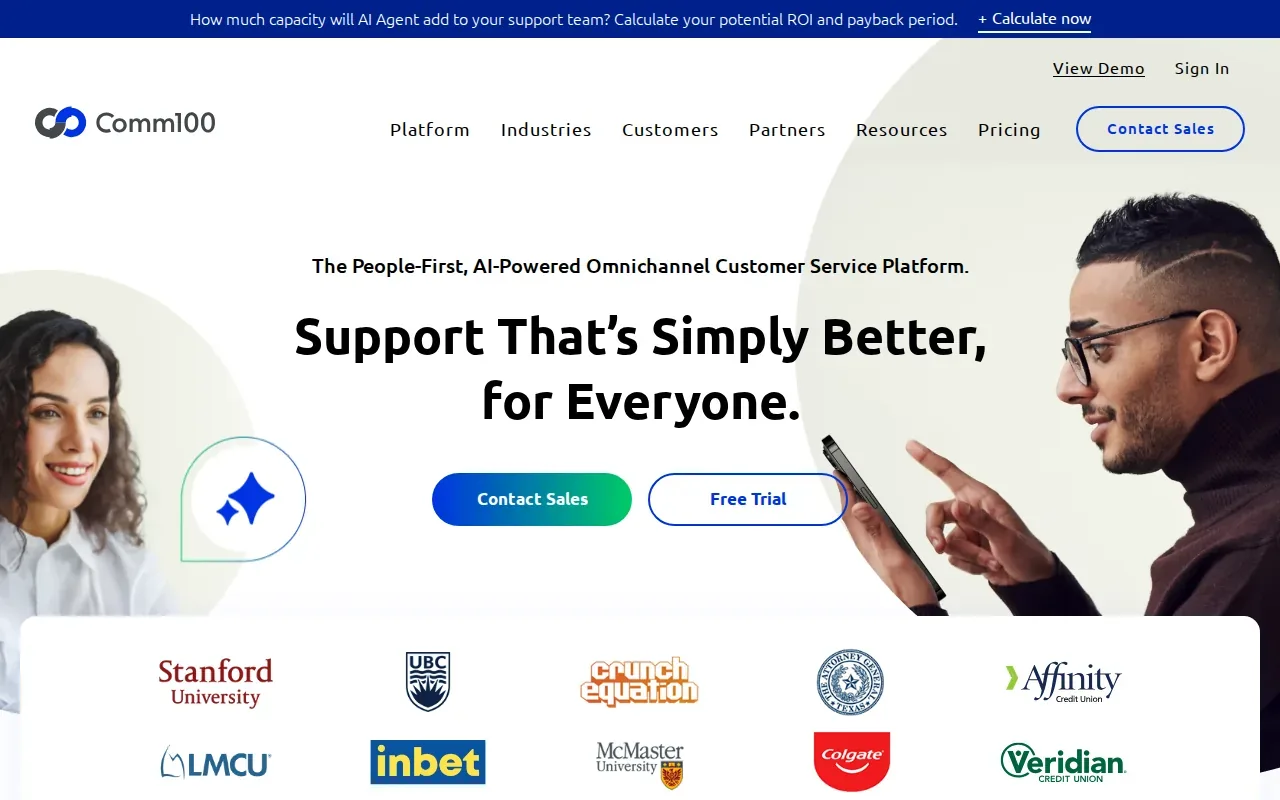
This may suit organizations that need to handle customer conversations across more than one channel or have specific deployment needs. Comm100 also describes AI agents for multi-step customer interactions.
For teams in regulated fields, confirm that the product’s controls match your own compliance requirements. A vendor’s stated certifications do not replace your internal review.
AI Customer Support Software Comparison Table
Use this table to narrow the shortlist by workflow. Channel coverage and automation needs matter more than a long feature checklist if you’re deciding what to test first.
| Tool | Best fit | Workflow emphasis | What to assess |
|---|---|---|---|
| CXWizard | Service businesses | Messaging, lead qualification, appointment booking, human handoff | Scheduling connection and team inbox fit |
| Freshdesk by Freshworks | Growing support teams | Ticket automation and routing | Ticket rules and channel needs |
| Decagon | Enterprise teams with engineering resources | Custom multi-step procedures | Workflow ownership and policy rules |
| Sierra | Large B2C brands | Simulation-tested AI agents | Testing and vendor-led implementation |
| Cognigy | Large enterprises | Voice and chat flows | IVR needs and payment steps |
| Zendesk | Teams using a service platform | End-to-end issue resolution | Ticket flow and human handoff |
| HubSpot Service Hub | Teams focused on service and retention | AI-powered customer service | Fit with your support process |
| Yuma | Ecommerce support teams | Order-related service workflows | Helpdesk fit and action needs |
| Gradient Labs | Financial services | Financial support and back-office tasks | Operational and review requirements |
| Comm100 | Omnichannel service teams | Chat, messaging, ticketing, and voice | Deployment and compliance review |
If your customers mainly ask questions through WhatsApp or Instagram and need to book time with your team, CXWizard is the closest match in this shortlist. For a channel-specific look at WhatsApp workflows, use this WhatsApp AI customer support guide.
Pricing, Build vs. Buy, and Measuring Support ROI
AI support pricing can be based on seats, conversations, resolutions, or a broader service contract. Compare the full cost of running the workflow, not just the starting plan. Include setup, integrations, staff time, and the cost of reviewing responses and exceptions.
CXWizard’s listed plans range from $40 to $290 per month before Enterprise, with a 14-day free trial and no credit card required. Its pricing page also describes optional usage-based billing for AI responses beyond plan credits. Check the plan details against your expected conversation volume before you start.
Build your own AI support system only when you have a clear need for custom control and the technical team to maintain it. Buying an existing platform is often simpler when your needs are common, such as answering FAQs or routing support requests. A custom build also means your team owns testing, updates, and handoff rules.
Measure more than deflection. Track how often AI fully resolves an issue, how long resolution takes, how often a person must step in, and whether customers remain satisfied. Compare those results with your current cost per resolved request. Start with one repeatable workflow, review the results, then expand only when the agent handles that work reliably.
Pro Tip: Before launch, test the AI with real examples of common questions, edge cases, and requests that should go to a person.
AI Customer Support Software FAQs
What does AI customer support software do?
AI customer support software uses AI agents or chatbots to respond to customer requests and help manage support work. Depending on the product, it may answer questions, route tickets, follow a set workflow, or take actions in connected systems. The most useful test is whether it solves the customer’s issue or only sends an answer before a person takes over.
Can AI customer support software book appointments?
Yes, some platforms can connect customer conversations to appointment booking. CXWizard lets businesses connect a scheduling tool so customers can book through chat. If booking is important to your team, test the full path: ask about the service, qualify the customer, show suitable times, and confirm what happens when a person needs to step in.
Will AI customer support replace human agents?
AI can handle some routine requests, but a support team still needs a clear human handoff for cases that need judgment or personal care. Set rules for what the agent can answer or do. Then make sure a person receives the conversation context, so the customer doesn’t have to start over.
How do I measure whether AI support is working?
Track resolution rate, customer satisfaction, time to resolution, and the share of conversations handed to a person. Compare these measures with your current support costs and response process. A low handoff rate alone doesn’t prove success, since customers may leave without getting their problem solved.
What should a small business check before choosing an AI support tool?
Start with the channels your customers use and the tasks your team repeats most often. Check how the tool handles a human handoff and whether it can connect to the systems needed for your workflow. If customers need to book time, include an appointment test in your trial rather than judging the product on question answering alone.
Conclusion
For service businesses that want AI support across WhatsApp, Instagram DMs, and website chat with appointment booking, CXWizard is the clearest fit in this shortlist. Map one common customer journey, then review CXWizard’s AI FAQ support use case and start the 14-day free trial to test it with your team.