How to Use WhatsApp Bulk Messaging Without Getting Your Account Banned
Learn how to do WhatsApp bulk messaging safely without getting banned—best practices, compliance rules, and tools to protect your account.
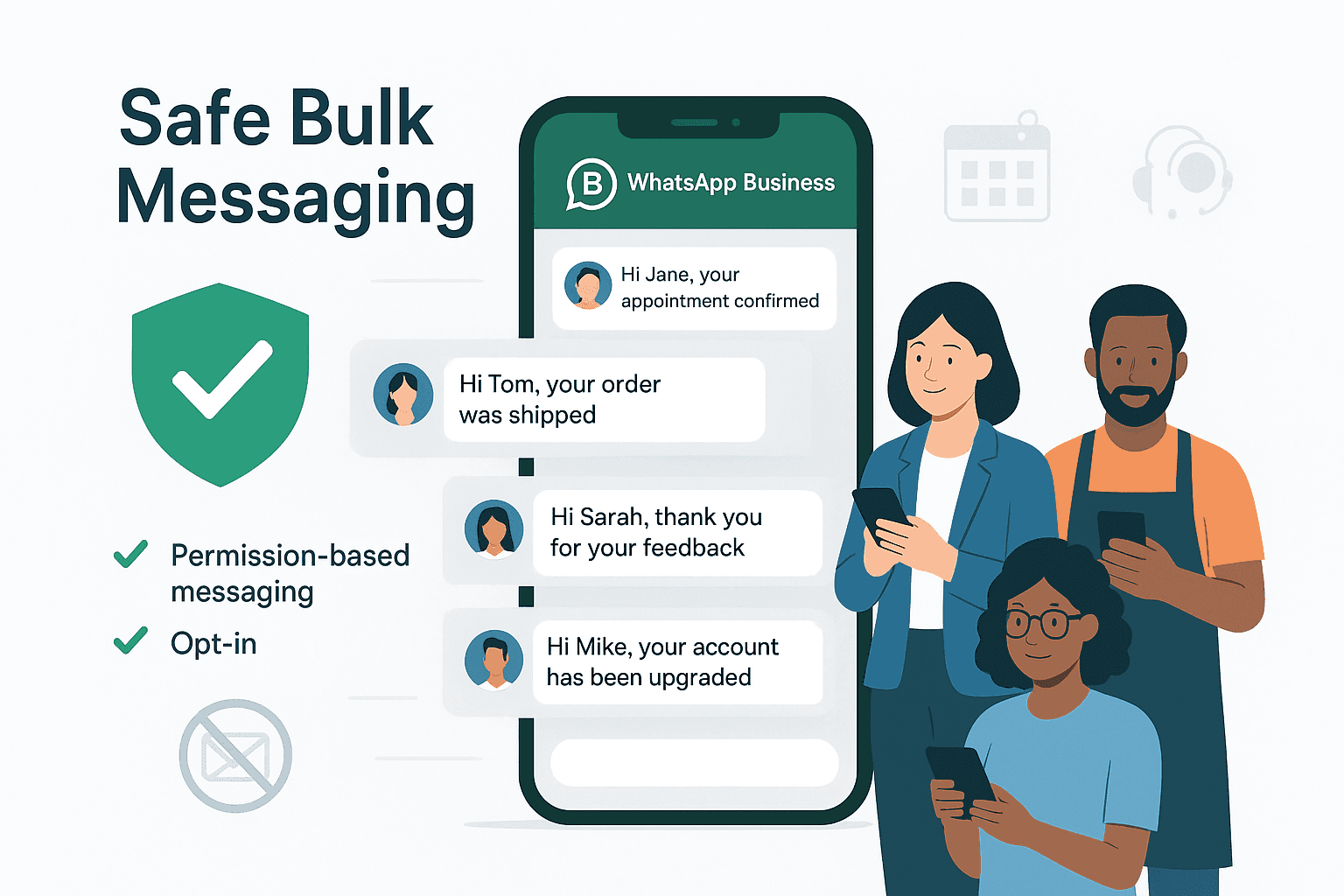
Don't let the fear of spam reports stop you from connecting with your customers.
Many businesses avoid WhatsApp bulk messaging because they fear account bans, spam complaints, or sudden restrictions from Meta. However, businesses that understand WhatsApp's messaging policies, engagement rules, and quality standards can safely use bulk messaging to grow customer relationships, improve conversions, and increase retention.
This guide explains how WhatsApp bulk messaging works, how WhatsApp messaging limits operate, and how businesses can scale campaigns safely while remaining compliant with Meta's policies.
What Is WhatsApp Bulk Messaging?
WhatsApp bulk messaging is the process of sending a single message to multiple recipients simultaneously through WhatsApp without creating a group conversation.
Unlike WhatsApp groups, bulk messages are delivered privately to each recipient, allowing businesses to communicate with large audiences while maintaining personalized customer interactions.
Businesses commonly use WhatsApp bulk messaging for:
- Promotional campaigns
- Appointment reminders
- Order updates
- Event invitations
- Customer support notifications
- Re engagement campaigns
WhatsApp bulk messaging has become increasingly important because WhatsApp consistently delivers significantly higher engagement rates than traditional channels such as email and SMS.
Benefits of WhatsApp Bulk Messaging for Businesses
High Customer Engagement Rates
WhatsApp messages are typically opened far more frequently than email campaigns because customers actively use WhatsApp throughout the day for personal communication.
This allows businesses to:
- Increase visibility
- Improve response rates
- Generate faster customer interactions
- Reduce communication delays
Direct and Personalized Communication
WhatsApp enables businesses to communicate in a conversational format that feels more personal than traditional marketing channels.
Businesses can personalize messages using:
- Customer names
- Purchase history
- Behavioral data
- Geographic targeting
- Customer preferences
Faster Customer Response Times
Because WhatsApp operates as a real time messaging platform, customers often respond more quickly compared to email communication.
This improves:
- Lead conversion speed
- Customer support efficiency
- Appointment confirmations
- Sales follow ups
Scalable Customer Outreach
Businesses can reach thousands of customers simultaneously while maintaining segmentation and personalization strategies.
This makes WhatsApp particularly effective for:
- Ecommerce businesses
- Local service businesses
- Healthcare providers
- Real estate agencies
- Educational organizations
Understanding WhatsApp Messaging Limits
WhatsApp messaging limits are restrictions Meta places on business accounts to control spam and maintain platform quality.
WhatsApp does not allow new business accounts to message unlimited users immediately. Instead, businesses are assigned messaging tiers based on account trust, engagement quality, and messaging behavior.
WhatsApp Messaging Tiers
| Messaging Tier | Daily Messaging Capacity |
|---|---|
| Tier 1 | Up to 1,000 unique users per 24 hours |
| Tier 2 | Up to 10,000 unique users per 24 hours |
| Tier 3 | Up to 100,000 unique users per 24 hours |
| Tier 4 | Unlimited or portfolio based scaling |
Businesses can move to higher tiers when they:
- Maintain strong engagement rates
- Avoid spam complaints
- Follow WhatsApp policies
- Send high quality content consistently
How WhatsApp Determines Messaging Limits
Meta evaluates several factors before increasing messaging capacity, including:
- Customer response rates
- Account quality ratings
- Spam report frequency
- User blocking behavior
- Campaign engagement levels
Businesses that prioritize relevance and customer experience typically scale more quickly.
What Is a WhatsApp Quality Rating?
A WhatsApp quality rating is a performance score Meta assigns to business accounts based on customer feedback and messaging behavior.
This rating helps WhatsApp determine whether businesses are sending valuable communications or generating negative user experiences.
Factors That Influence WhatsApp Quality Ratings
WhatsApp monitors:
- Spam complaints
- User blocks
- Low engagement rates
- Irrelevant messaging
- Excessive promotional campaigns
- Poor response experiences
Consequences of Low Quality Ratings
A declining quality rating can lead to:
- Reduced messaging limits
- Lower message deliverability
- Paused message templates
- Account restrictions
- Permanent suspension
Maintaining a strong quality rating is essential for long term WhatsApp marketing success.
Understanding the 24 Hour Customer Service Window
The 24 hour customer service window is the period during which businesses can freely respond to customers after receiving an inbound message.
When a customer initiates a conversation with a business, WhatsApp opens a 24 hour messaging window.
Inside the 24 Hour Window
Businesses can:
- Send free form messages
- Communicate naturally
- Provide customer support
- Answer questions without templates
Outside the 24 Hour Window
Once the 24 hour period expires:
- Businesses must use approved WhatsApp templates
- Messages become classified as business initiated conversations
- Messaging restrictions and pricing rules apply
This policy encourages businesses to maintain active and responsive customer conversations.
What Are WhatsApp Message Templates?
WhatsApp message templates are pre approved message formats businesses use to initiate conversations with customers outside the 24 hour service window.
Meta reviews templates to ensure compliance with platform policies and anti spam standards.
Common Uses for WhatsApp Templates
Businesses use templates for:
- Order confirmations
- Shipping notifications
- Appointment reminders
- Promotional offers
- Customer re engagement
- Payment reminders
Why Templates Matter
Approved templates help:
- Improve message deliverability
- Reduce spam risk
- Maintain compliance
- Protect account quality ratings
Templates containing misleading, spammy, or overly promotional language are often rejected.
WhatsApp Spam Policies Explained
WhatsApp spam policies are platform rules designed to prevent unsolicited, excessive, or low quality messaging.
Meta actively monitors business behavior to protect user experience and reduce abuse.
Activities That Commonly Trigger Restrictions
Businesses may face penalties for:
- Messaging users without consent
- Purchasing contact lists
- Sending irrelevant campaigns
- Using unauthorized automation tools
- Sending excessive promotional messages
- Ignoring opt out requests
How WhatsApp Detects Spam Behavior
WhatsApp evaluates:
- User reports
- Blocking patterns
- Engagement quality
- Messaging frequency
- Template performance
- Behavioral anomalies
Businesses that focus on relevance and customer value are significantly less likely to face restrictions.
Best Practices for Safe WhatsApp Bulk Messaging
1. Obtain Explicit Customer Consent
Customer consent is the process of receiving clear permission before sending marketing or transactional messages.
Businesses should collect opt ins through:
- Website forms
- Checkout pages
- SMS confirmation flows
- QR codes
- Lead generation forms
Explicit consent is one of the most important factors in maintaining compliance.
2. Use Official WhatsApp Business API Providers
Official WhatsApp API providers help businesses:
- Remain compliant
- Scale messaging safely
- Access approved infrastructure
- Reduce suspension risks
Businesses should avoid unofficial bulk messaging software that violates Meta policies.
3. Segment Audiences Carefully
Audience segmentation is the practice of dividing customers into smaller groups based on behavior, interests, demographics, or engagement patterns.
Segmentation improves:
- Relevance
- Conversion rates
- Customer satisfaction
- Engagement quality
4. Personalize Every Campaign
Personalization refers to customizing messages using customer specific information or behavior.
Examples include:
- Using customer names
- Referencing previous purchases
- Recommending relevant products
- Sending location specific offers
Personalized campaigns generally outperform generic broadcasts.
5. Warm Up New Numbers Gradually
Businesses should avoid sending large volumes immediately after activating a new WhatsApp number.
Instead:
- Begin with smaller campaigns
- Prioritize engaged contacts
- Increase volume gradually
- Monitor engagement continuously
Gradual scaling helps establish trust with WhatsApp systems.
6. Prioritize Valuable Content
Businesses should ensure messages provide clear customer value.
High performing WhatsApp campaigns typically include:
- Exclusive offers
- Helpful reminders
- Relevant updates
- Personalized recommendations
- Important notifications
7. Monitor Analytics and Performance
Tracking campaign metrics helps businesses identify risks before they impact account quality.
Important metrics include:
- Delivery rates
- Open rates
- Click through rates
- Response rates
- Opt out frequency
- Spam complaint levels
Common WhatsApp Bulk Messaging Use Cases
Promotional Campaigns
Businesses use WhatsApp to distribute:
- Flash sales
- Limited time offers
- Product launches
- Seasonal campaigns
Appointment Reminders
Healthcare providers, salons, and service businesses frequently use WhatsApp reminders to reduce no show rates.
Ecommerce Notifications
Online stores use WhatsApp for:
- Order confirmations
- Shipping updates
- Delivery notifications
- Cart recovery campaigns
Customer Support Automation
Businesses automate:
- Frequently asked questions
- Lead qualification
- Booking confirmations
- Customer onboarding
Common Mistakes Businesses Should Avoid
Many businesses damage their account quality unintentionally.
Common mistakes include:
- Sending messages without consent
- Over messaging subscribers
- Using purchased contact databases
- Ignoring unsubscribe requests
- Sending irrelevant promotions
- Using unauthorized automation software
- Failing to monitor quality ratings
Avoiding these mistakes significantly reduces the risk of restrictions.
Do's and Don'ts of WhatsApp Bulk Messaging
| Do's | Don'ts |
|---|---|
| Obtain explicit customer consent | Purchase contact lists |
| Use official API providers | Use unauthorized bulk sender tools |
| Personalize campaigns | Send generic mass blasts |
| Segment audiences carefully | Message irrelevant users |
| Monitor quality ratings | Ignore spam complaints |
| Provide customer value | Overwhelm users with promotions |
| Offer clear opt out options | Make unsubscribing difficult |
How Automation and AI Chatbots Improve WhatsApp Messaging
WhatsApp automation refers to the use of software workflows and AI systems to manage conversations, campaigns, and customer interactions automatically.
AI chatbots can:
- Respond instantly
- Qualify leads
- Answer questions
- Schedule appointments
- Re engage inactive users
- Reopen customer service windows
Automation improves:
- Customer experience
- Engagement rates
- Operational efficiency
- Messaging scalability
Businesses that combine automation with personalized communication often achieve stronger long term performance.
How CXWizard Supports Safe WhatsApp Bulk Messaging
CXWizard is designed to help businesses scale WhatsApp communication while remaining compliant with Meta's messaging policies.
Key features include:
- Official WhatsApp API compliance
- AI powered customer conversations
- Bulk campaign management
- Audience segmentation
- Automated workflows
- Real time analytics
- Engagement tracking
- Smart customer follow ups
Businesses can use CXWizard to improve customer communication while protecting account quality and messaging capacity.
Final Thoughts
WhatsApp bulk messaging can become one of the most effective customer communication channels available to modern businesses when implemented correctly.
Success depends on:
- Following WhatsApp policies
- Prioritizing customer consent
- Maintaining strong engagement
- Sending relevant content
- Monitoring account quality continuously
Businesses that focus on customer experience instead of aggressive mass messaging are far more likely to scale successfully on WhatsApp.
Ready to build compliant, scalable WhatsApp campaigns?