How to Use Claude for WhatsApp Customer Support
Three ways to use Claude for WhatsApp customer support, from drafting replies to a full API build, plus Meta’s AI rules and costs. Choose the right setup.
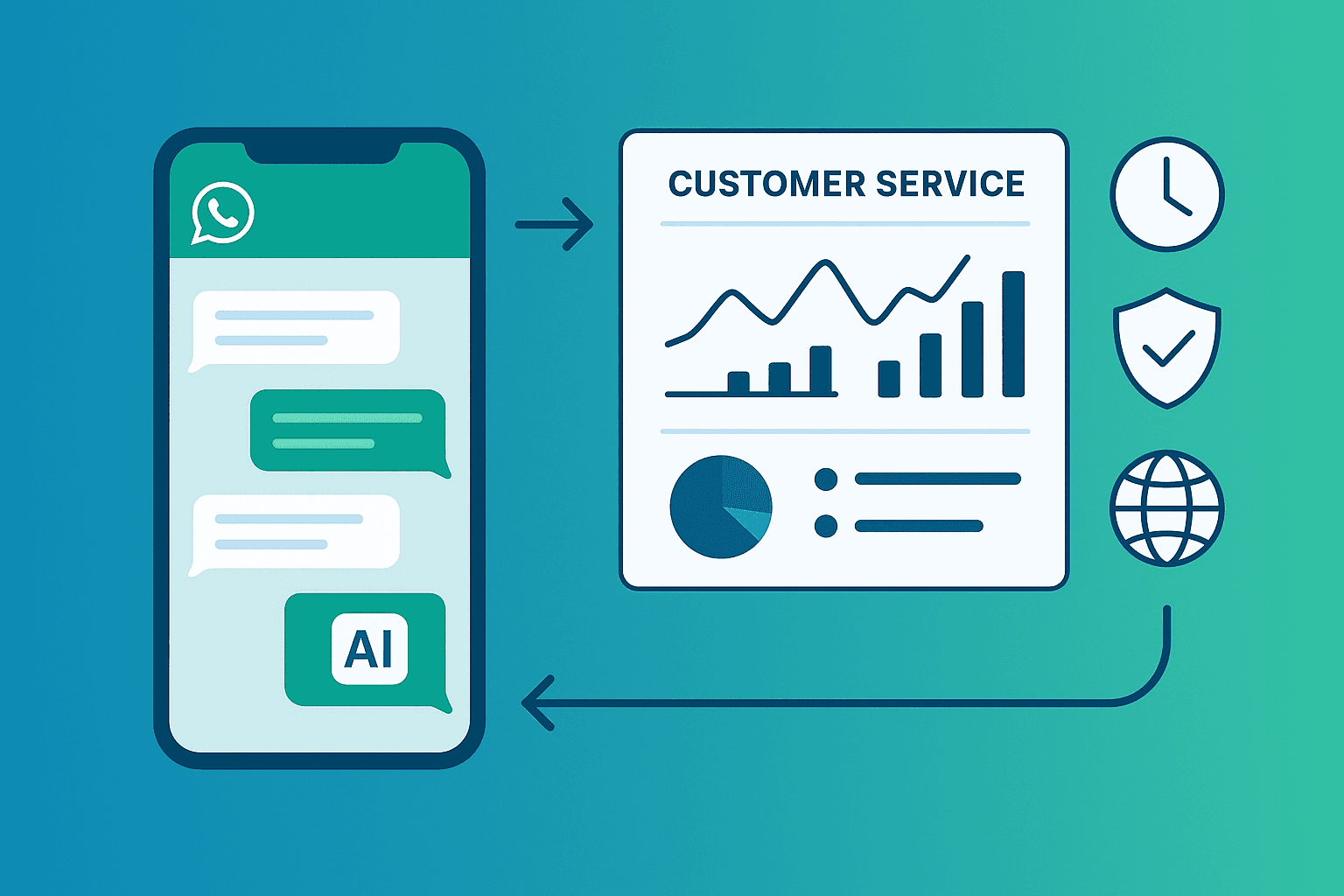
Short answer: Claude doesn't connect to WhatsApp by itself. You can use it in three ways: (1) as a writing assistant that drafts replies and builds your support content, (2) through the Claude API connected to the WhatsApp Cloud API with your own code, or (3) through a platform that connects an AI model to WhatsApp for you. Whichever you choose, Meta's rules since January 15, 2026 require the bot to stay focused on your business, not act as a general-purpose assistant.
| Option | Effort | Replies automatically? | Best for |
|---|---|---|---|
| Claude as a writing assistant | Low | No, your team sends replies | Small teams that want better, faster replies |
| Claude API + WhatsApp Cloud API | High, needs a developer | Yes | Teams with engineering time and custom needs |
| An AI customer service platform | Low to medium | Yes | Businesses that want it working this week |
What Claude is
Claude is a family of AI models from Anthropic. According to Anthropic's model overview, the current models are:
| Model | Positioned for | API price per million tokens (input / output) |
|---|---|---|
| Claude Fable 5.2 | Demanding reasoning and long-running agent work | $8 / $40 |
| Claude Opus 5.5 | Anthropic's recommended starting point for most workloads | $4 / $20 |
| Claude Sonnet 5.5 | Best combination of speed and intelligence | $2 / $10 |
| Claude Haiku 5.5 | High-volume, latency-sensitive tasks | From $0.10 / $0.50 |
All of them accept text and images, which matters on WhatsApp, where customers send photos and screenshots. They also reply in many languages. Prices are from Anthropic's documentation as of November 2026; check the page for current figures.
Meta's rules for AI on WhatsApp
Before building anything, know the policy. From January 15, 2026, Meta's WhatsApp Business Solution terms bar AI providers from using the platform to offer general-purpose AI assistants, where the AI itself is the main product. Meta confirmed that businesses using AI to serve their own customers are not affected (TechCrunch, updated January 2026).
To stay clearly on the right side of that line, your Claude-powered bot should:
- answer questions about your business, products and services
- decline unrelated requests ("write my essay", "what's the weather")
- hand off to a person when it can't help
Option 1: Claude as a writing assistant
No integration needed. Your team keeps answering in the WhatsApp Business app or your inbox, and uses Claude to work faster.
Useful prompts:
- Build your FAQ. "Here are 50 real customer messages from our WhatsApp. Group them by topic and write a clear, friendly answer for each, using only the facts in this document: [paste prices, policies, hours]."
- Draft a tricky reply. "A customer is upset that their order is late. Here's the conversation: [paste]. Draft a short, calm reply that apologises, explains the next step and doesn't promise a date we can't keep." For more on this, see how to handle difficult clients over text.
- Write quick replies. "Write 10 short WhatsApp quick replies for a dental clinic: price ranges, opening hours, location, booking, cancellation policy. Under 300 characters each, no emoji."
- Translate. "Translate this reply into natural Spanish for a customer in Mexico: [paste]."
Remove personal data from conversations before pasting them into any AI tool, and follow your own privacy rules.
Option 2: Build with the Claude API and WhatsApp Cloud API
This is the do-it-yourself route. At a high level:
- Set up the WhatsApp Business Platform. Create a Meta app, add a WhatsApp Business Account and phone number, and configure a webhook to receive messages.
- Receive messages. Your server gets each incoming message (text, image or voice note) from Meta's webhook.
- Call Claude. Send the conversation history, your business knowledge and instructions to the Claude API.
- Send the reply back through the WhatsApp Cloud API.
- Add the hard parts: storing conversation history, handing off to staff, booking integrations, analytics, opt-outs and monitoring for wrong answers.
What it costs to run: Claude API tokens, your hosting and developer time, plus Meta's WhatsApp charges. From October 1, 2026, Meta charges for service messages above 1,000 free per phone number each month, and template messages are charged separately. See our WhatsApp API pricing guide.
Steps 1 to 4 are a weekend project for a developer. Step 5 is where most of the work, and most of the risk, lives.
Option 3: Use a platform
A WhatsApp AI customer service platform handles the connection, inbox, handoff and integrations, and you configure the AI with your knowledge and rules.
To be clear: CXWizard uses OpenAI models, not Claude. If you specifically need Claude, check that the platform you choose supports it. If what you need is a working WhatsApp AI agent for a service business, CXWizard gives you:
- an AI agent on WhatsApp, Instagram and website chat
- your knowledge base, rules and qualifying questions
- booking through Calendly
- a shared inbox and handoff to your team with full context
Plans start at $40/month with a 14-day free trial. Estimate total costs, including Meta's charges, with the pricing calculator.
How to choose
- Fewer than 20 conversations a day and a team that likes replying? Option 1.
- Engineering team and unusual needs? Option 2.
- Missing leads after hours and want it fixed this week? Option 3. Run the free revenue leak audit to see what slow replies cost you, or start your 14-day free trial.
Frequently asked questions
Can Claude reply to WhatsApp messages directly?
Not on its own. Claude has no built-in WhatsApp connection, so you need the WhatsApp Business Platform (Cloud API) plus your own code or a platform that connects the two. Without that, you can still use Claude to draft replies and build your support content.
Is it allowed to use an AI model on WhatsApp Business?
Yes, for business-specific uses such as customer support, bookings and order updates. Since January 15, 2026, Meta’s terms bar AI providers from offering general-purpose AI assistants through the WhatsApp Business Platform, so keep your bot focused on your business.
Which Claude model is best for customer support?
Anthropic recommends Claude Opus 5.5 as the starting point for most workloads and positions Claude Haiku 5.5 for high-volume, latency-sensitive tasks. Test both on your real questions and compare quality against cost per conversation.
How much does Claude cost for WhatsApp support?
Claude API pricing is per million tokens, from $0.10 input and $0.50 output for Haiku 5.5 up to $8 and $40 for Fable 5.2, according to Anthropic’s documentation. WhatsApp messaging charges from Meta are separate.
Does CXWizard use Claude?
No. CXWizard uses OpenAI models. If you want a ready-made WhatsApp AI agent rather than building one with the Claude API, CXWizard is one option; if you specifically want Claude, you will need to build or choose a platform that supports it.