Best Customer Service Automation Software: 8 Top Picks
Compare customer service automation software for AI replies, team inboxes, lead follow-up, channels, and support workflows. Find the right fit for your team.

When the same questions fill your inbox each day, your team has less time for the cases that need care. Customer service automation software can handle routine replies and help route the rest. Here are eight options, starting with CXWizard for service businesses that want AI conversations tied to leads and bookings.
Table of Contents
- CXWizard: AI support that qualifies leads and books appointments
- Helpshift: AI-powered support journeys
- Zendesk: Broad support operations for larger teams
- Ada: Conversational automation for digital support
- Botpress: Flexible AI agents connected to support tools
- LivePerson: Conversational automation across customer channels
- ZINQ: Lead qualification and next-step follow-up
- Wati: WhatsApp-first customer conversations
- Compare the 8 customer service automation platforms
- Frequently asked questions
- Conclusion
1. CXWizard: AI support that qualifies leads and books appointments
CXWizard is an agentic AI support and sales platform for service businesses. Its AI agents answer questions, qualify leads, follow up, and book appointments across WhatsApp, Instagram DMs, and website chat. Your team can review conversations in a shared inbox and take over when the AI needs a person.
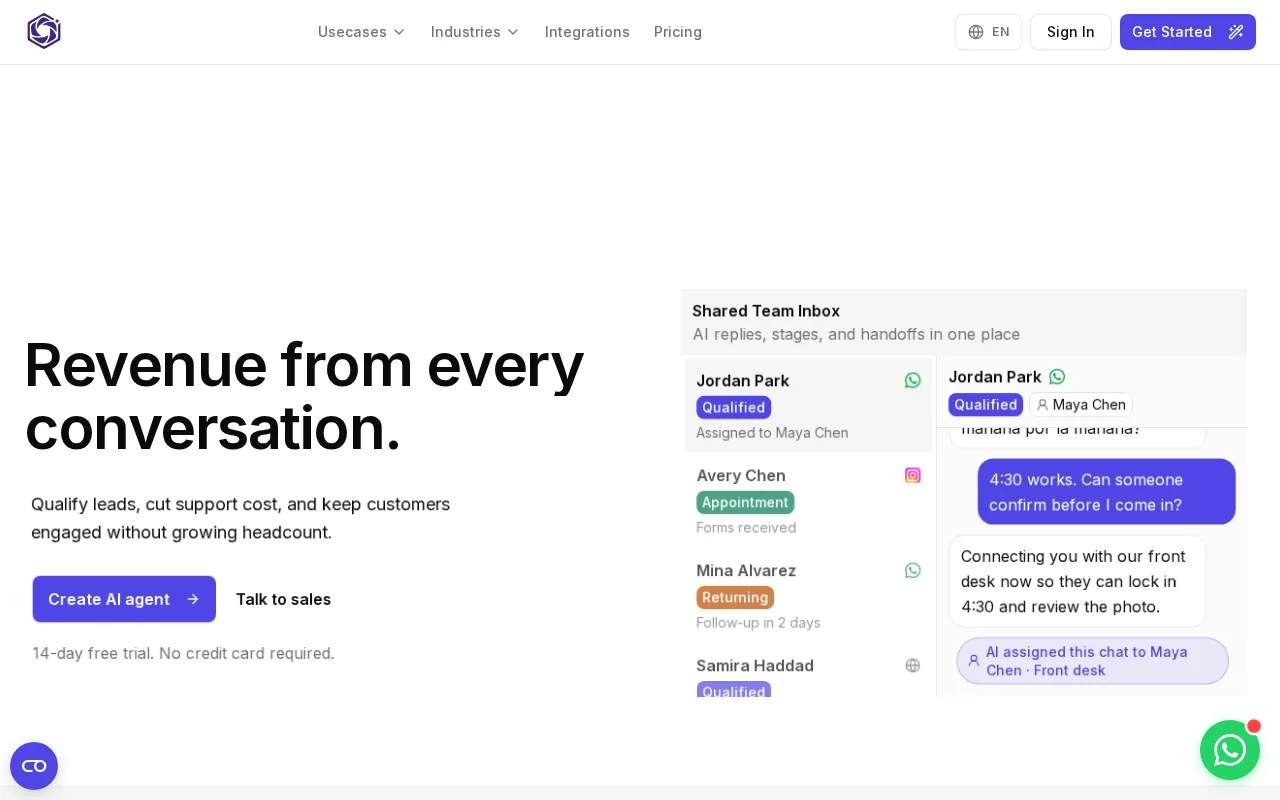
That setup fits clinics, real estate and home service teams, education consultancies, salons, gyms, and professional service firms. For example, a clinic can answer a common service question in chat, ask a few lead-qualification questions, then connect a scheduling tool so the customer can book there. If the AI cannot handle a request, the handoff keeps a person in the conversation.
Support and sales share the same conversation flow, which can help a small team avoid passing a warm enquiry between separate inboxes. The service also has a 14-day free trial with no credit card required. Plans include Hobby at $40 per month, Starter at $100 per month, and Pro at $290 per month, with an Enterprise option. Annual billing lowers those prices by 20%.
Before you set up a workflow, decide what the AI can answer on its own and what needs human review. A clear handoff rule matters for requests about sensitive issues, refunds, or a service that needs staff judgment. Teams comparing approaches can also review AI customer support software options by channel and team needs.
CXWizard is the most direct fit here if your customer conversations also need lead qualification or appointment booking. You can start a free trial to test a real chat workflow with your team.
2. Helpshift: AI-powered support journeys
Helpshift is an AI customer support platform with an automated journey that can take a request from issue identification through ticket resolution. It is best suited to game studios, where support teams may face a steady stream of similar player questions.
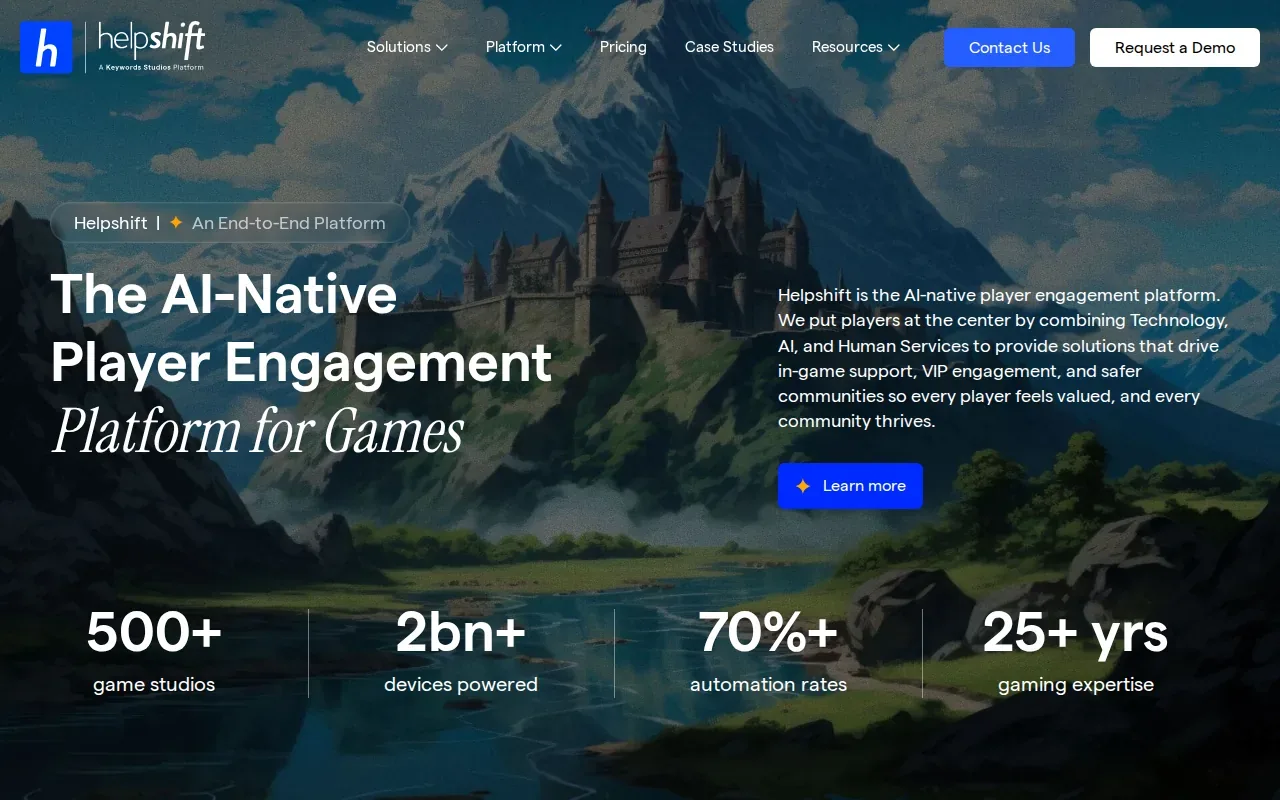
The platform’s capabilities include Intent AI, sentiment analysis, real-time language translation, and intelligent routing. A visual bot builder lets teams shape modular workflows for tasks such as verifying customer details or helping someone search for an answer. When a case needs human judgment, Helpshift can pass it to an agent.
Helpshift can automate 70% of queries. A separate stated outcome reports 77% automation with a 4.3 out of 5 customer satisfaction score. Those figures describe the cited examples, not a result every team should expect.
For teams that support customers in more than one language, translation and intent detection are relevant points to test. Ask whether the AI can find the right knowledge content for your product, and check how it handles an issue outside its normal flow. A high automation rate is useful only when the answers and escalation path work for your customers.
3. Zendesk: Broad support operations for larger teams
Zendesk is a customer service platform aimed at medium and large support teams. It combines ticket handling with AI features such as Answer Bot, which suggests relevant knowledge-base articles for common questions.
Its automation capabilities also include predictive analytics for proactive issue handling, automated ticket routing, and multilingual support. Those features can suit a team that needs a structured queue: a request comes in, gets routed, and can be reviewed alongside other open work. Mature ticketing and workflow automation are a fit when several agents share ownership of customer issues.
A broader service system can take more planning than a single-purpose chat agent. Map the ticket path before you buy: who owns a new request, which status means it is waiting, and what should trigger an escalation? The customer service automation workflow checklist can help your team define those rules before configuration begins.
Zendesk is worth considering when your team needs formal ticket workflows and routing across a larger operation. In a product test, include a common request and an edge case, then check whether the suggested article or assigned queue makes sense.
4. Ada: Conversational automation for digital support
Ada is a conversational AI customer service platform for SaaS companies, support teams, and e-commerce businesses. Its no-code interface is designed to let teams create, test, and deploy chatbots without building every conversation flow from scratch.
Ada’s capabilities include automated workflows and behavior-based messages. Its official product information also describes deployment across channels and languages, integration through open APIs and SDKs, and tools to test and review AI agent performance. That can be useful when a support team wants to automate repeated digital questions while keeping an eye on answer quality.
Security deserves a close look when the agent may handle personal or payment-related information. Ada states that its practices include HIPAA, SOC 2, GDPR, PCI DSS, and AIUC-1 compliance. It also describes safeguards for limiting hallucinations, ongoing response monitoring, and zero data retention policies with LLM providers. Your own legal and security teams should still confirm that the setup meets your rules.
Choose Ada if your team wants to build and refine conversational automation for digital support. During evaluation, test how the bot behaves when a customer changes the subject or asks for a person. Those moments often show whether the workflow is ready for live use.
5. Botpress: Flexible AI agents connected to support tools
Botpress is an enterprise-grade AI agent platform for customer support. It is aimed at support teams that have already tried a first-generation AI tool and now need agents that can take actions across a support workflow.
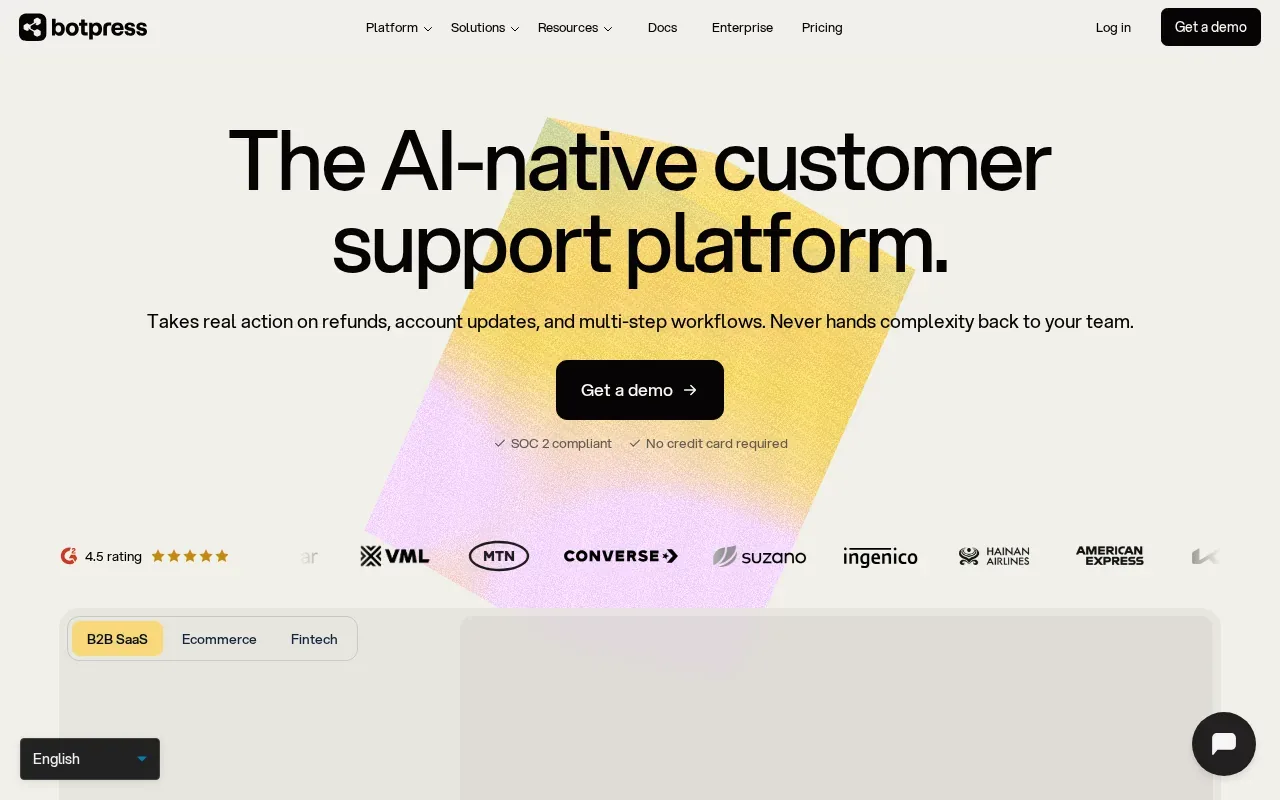
Botpress agents can handle tickets end to end, including refunds, account changes, and multi-step workflows. It can connect to Zendesk or Intercom, or run as a standalone AI-native helpdesk. When a human needs to step in, the handoff keeps the conversation context.
That ability to act is different from a bot that only offers a reply or sends a link. For example, a team could test a permitted account-change workflow and check whether the agent follows the right steps before completing it. Define approval points for actions that carry risk, then test the handoff with a case the AI should not finish alone.
Botpress may suit teams that need more than simple question deflection. Its flexibility also makes workflow design important: spell out the actions the agent may take, and decide when a person must approve or take over. To plan support alongside customer acquisition work, some small firms also review automation software for independent insurance agencies, where workflow fit and compliance checks matter too.
6. LivePerson: Conversational automation across customer channels
LivePerson is a conversational AI customer support platform for business leaders, financial institutions, sales and marketing teams, and customer support teams. Its stated channels include social media, mobile, and web apps.
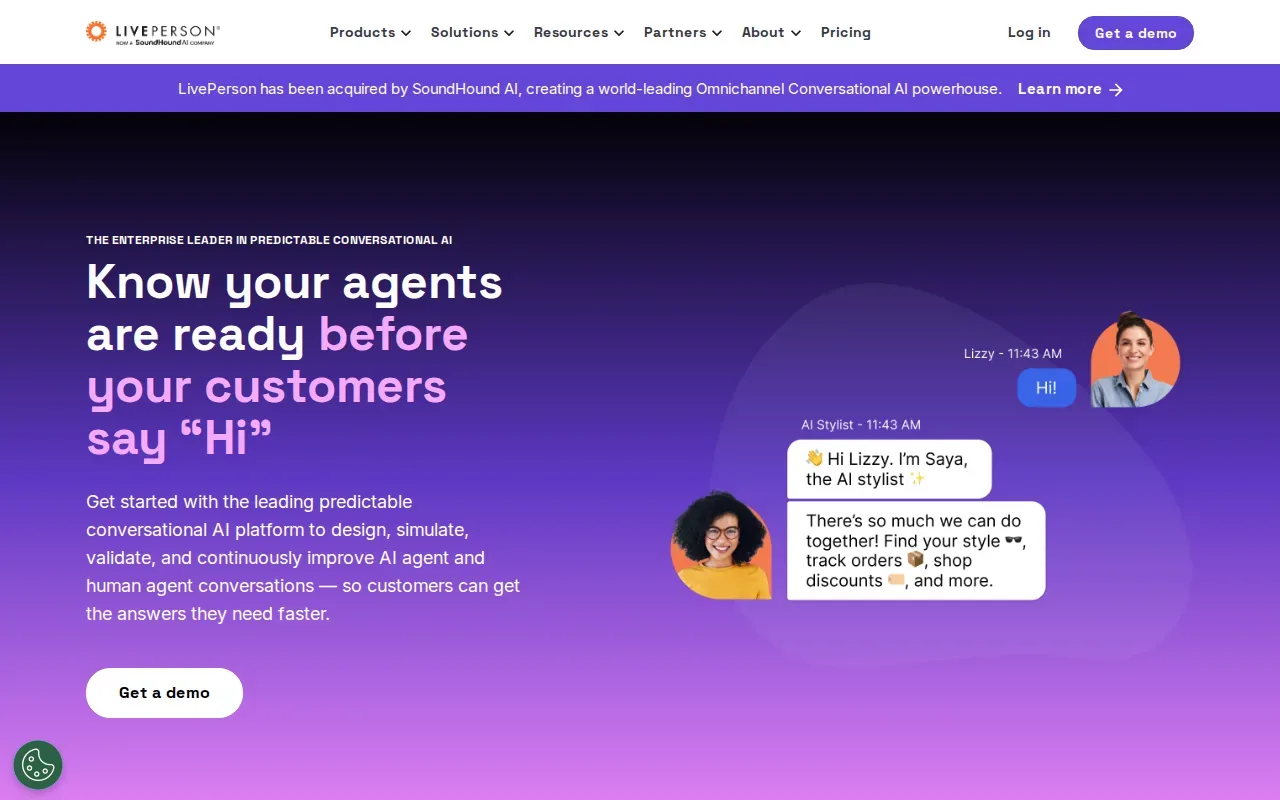
Listed capabilities include AI-driven chatbots, Agent Assist, sentiment analysis, AI analytics, and Bot Studio for building bots. That mix is relevant when your operation wants automation in customer conversations while keeping human agents involved. Agent Assist, for example, is a useful capability to assess if your goal is to support the agent rather than have AI resolve every case alone.
Channel names do not tell the whole story. Confirm that the channels your customers use are included in the workflows you plan to deploy, and ask how conversation history carries over when a customer moves between them. Also check what the analytics can show your managers, such as where requests wait or which issues need an agent.
For a team that works across digital channels, LivePerson is a candidate to assess for conversational automation and agent support. Test one common customer journey on each channel you plan to use. You can also connect the review to broader campaign measurement, such as the reporting needs covered in this comparison of Amazon PPC software and campaign reporting.
Key Takeaway: Verify channel coverage and context handoff with your own customer journey, not a broad omnichannel label.
7. ZINQ: Lead qualification and next-step follow-up
ZINQ is a conversational AI platform that answers enquiries, qualifies leads, books next steps, and supports customers across channels. Its stated job spans both support and follow-up, making it relevant when an incoming question may also signal a sales opportunity.
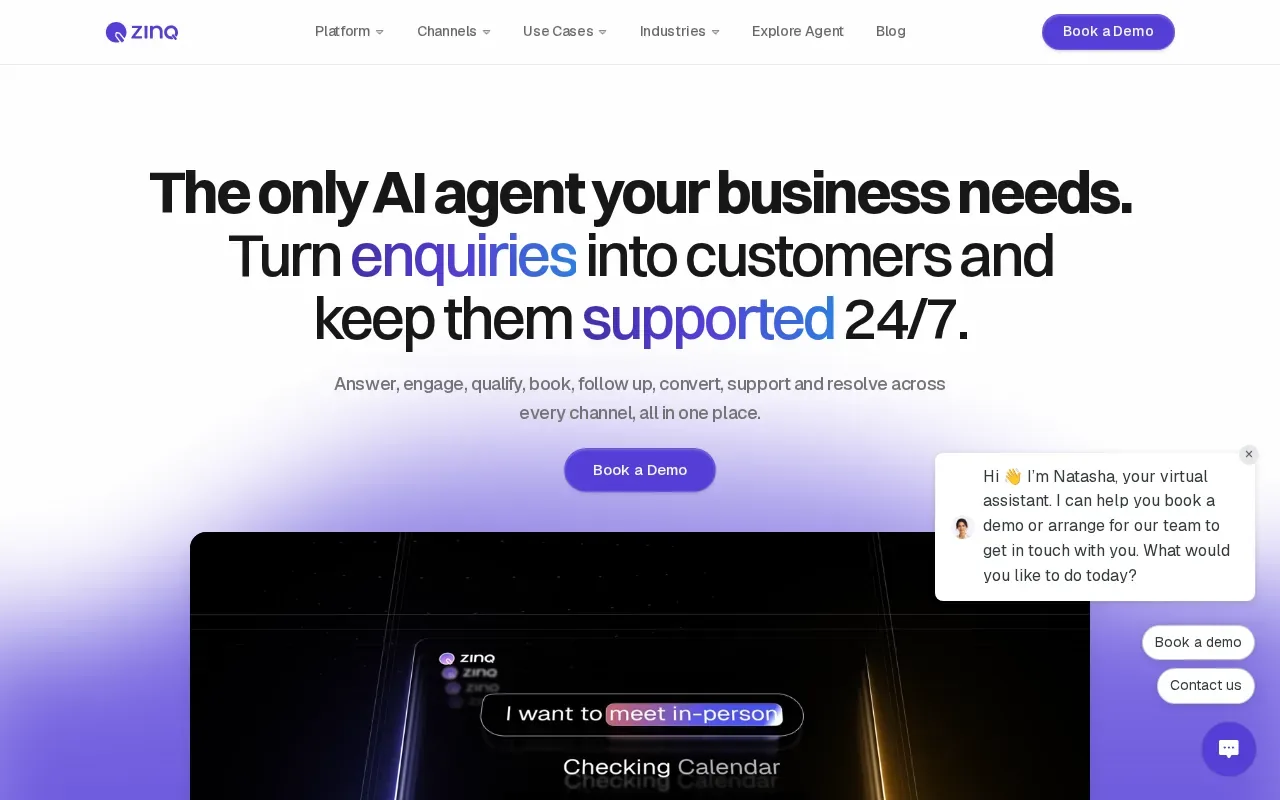
For instance, a service business could use a conversational flow to answer an initial question, ask what the customer needs, then direct the person toward the next step. The platform description includes booking next steps, but your team should confirm how that fits its own scheduling process and which channels it plans to use.
Lead qualification works best when the questions reflect how your staff actually decide who to help next. Keep the first questions short, set a clear route for urgent or unusual requests, and make sure someone can pick up a conversation that needs a person. The flow should collect only information your team needs to respond.
If your main goal is converting incoming enquiries into booked appointments, compare ZINQ with CXWizard’s stated support for appointment booking and human handoff. The key test is whether each system can carry a qualified conversation to the next action your business uses.
8. Wati: WhatsApp-first customer conversations
Wati focuses on customer conversations through WhatsApp, Instagram, and TikTok. It says more than 16,000 businesses use it to sell, support, and market on those channels.
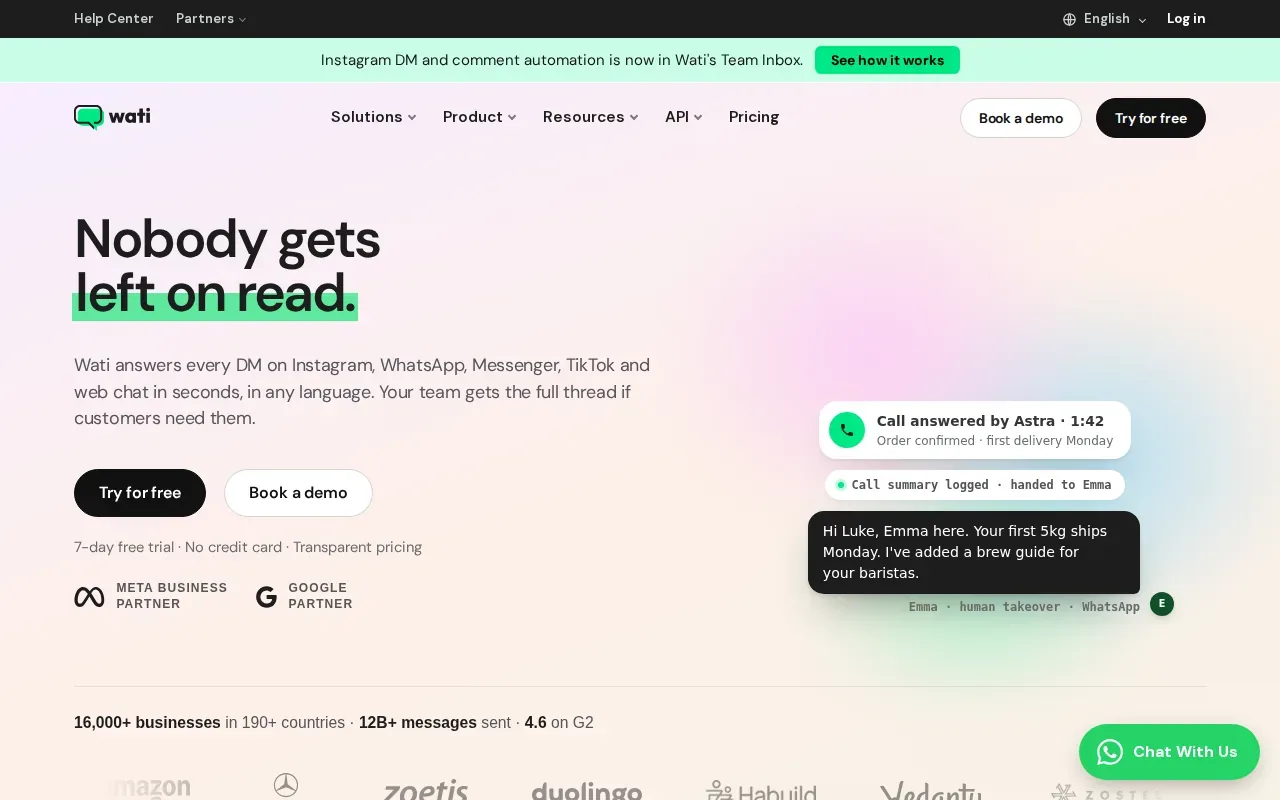
Wati’s tools include broadcasts, chatbots, and AI agents that can run conversations according to rules set by the business. This is a relevant option if WhatsApp is central to your customer communication and you want automation to work within a messaging-led setup.
Before you choose a messaging-first platform, list the tasks you want it to handle. A broadcast campaign has a different purpose from a support bot answering a customer’s question. Decide how a person will take over an active chat, and check that your team can review the conversations it needs to manage.
Wati’s channel focus can make it easier to assess if your customers already contact you through those social and messaging apps. For small firms, security checks should cover account access and the way customer details move through the workflow. A resource on business antivirus software for small firms offers a related lens on protecting day-to-day business systems.
Compare the 8 customer service automation platforms
The strongest fit depends on the work you want the software to take off your team’s hands. Use the table to narrow the field by the workflow each option is described for, then verify channels, integrations, access controls, and reporting in a product review.
| Option | Stated fit | Automation focus | Check during evaluation |
|---|---|---|---|
| CXWizard | Service businesses handling leads and support | Chat replies, qualification, follow-up, bookings, and handoff | Scheduling connection and team handoff rules |
| Helpshift | Game studios | Intent detection, routing, translation, and query resolution | Knowledge accuracy and escalation behavior |
| Zendesk | Medium and large support teams | Answer Bot, ticket routing, and predictive analytics | Ticket lifecycle and team permissions |
| Ada | SaaS, support, and e-commerce teams | No-code bots and automated workflows | Security needs, channels, and API fit |
| Botpress | Teams moving beyond first-generation AI | Multi-step tasks and support actions | Action limits and human approval points |
| LivePerson | Support, sales, marketing, and financial teams | Chatbots, Agent Assist, sentiment analysis, analytics | Channel coverage and context continuity |
| ZINQ | Teams qualifying and following up with leads | Enquiry handling and next-step booking | Lead questions and booking workflow |
| Wati | Teams focused on messaging channels | Broadcasts, chatbots, and rule-based AI agents | Channel fit and support handoff |
AI is a common promise across this category, but integration and channel details can be harder to compare. Don’t treat a broad claim as proof that a tool fits your stack. Confirm the systems you need to connect, test the channels your customers use, and ask how the software protects sensitive conversations.
For a smaller service team, CXWizard is the most direct match in this shortlist when chat needs to qualify enquiries or book appointments. Larger support operations may favor ticket workflows, while teams with a specific messaging channel should test that channel first.
Pro Tip: Run the same three test conversations through your top choices: a routine question, an unclear request, and a case that must go to a person. Compare the answer, route, and handoff.
Frequently asked questions
What does customer service automation software do?
Customer service automation software handles parts of customer support with rules, AI, or both. It may answer routine questions, route a ticket, or help a customer complete a task. The best setup leaves a clear path to a human when the request is sensitive, unusual, or beyond the bot’s scope.
What should I check before choosing a customer service automation tool?
Check that the tool supports the channels your customers use and connects to the systems your team relies on. Then test a routine request and a difficult one. Ask how it handles context during handoff, who can access sensitive cases, and what reports help managers spot delays or repeat issues.
Can AI customer service tools book appointments?
Some can. CXWizard says its AI agents can book appointments when connected to a scheduling tool. ZINQ describes booking next steps. During a trial, test the full path from the first enquiry to a confirmed booking, including what happens if a customer asks a question the AI cannot answer.
How do automated support systems hand a chat to a person?
Handoff rules send a conversation to a human when the request needs staff input or falls outside the AI’s allowed tasks. Good testing checks whether the person can see enough context to continue. Set clear triggers, such as a customer asking for an agent or raising a sensitive issue.
Is customer service automation safe for sensitive data?
It can be used with sensitive workflows only after your team checks the vendor’s security controls and your own compliance needs. Review access settings, data handling, and AI safeguards with the people responsible for security and privacy. Ada states compliance with several frameworks, but your team must confirm its specific fit.
Conclusion
For service businesses that need chat support to qualify leads or book appointments, start with CXWizard and test one real workflow. Set your handoff rules, connect the scheduling tool you use, then start the 14-day free trial to see how it fits your team.