Best Social Media Customer Service Software: 6 Tools
Compare social media customer service tools for AI replies, shared inboxes, team workflows, integrations, and pricing. Find a fit for your team.

A busy social inbox can turn a simple question into a missed lead or a frustrated customer. Social media customer service software brings messages into a shared workflow, so your team can see what needs a reply and handle it in one place. Here are six tools to compare, starting with CXWizard for service businesses that want AI agents to qualify leads and book appointments.
Table of Contents
- CXWizard: for turning social DMs into qualified leads and bookings
- Sprout Social: for social listening and team collaboration
- Zendesk: for connecting social support with help-desk workflows
- Statusbrew: for teams combining social publishing and customer care
- Khoros: for enterprise teams handling high interaction volumes
- Emplifi: for managing social messages, comments, mentions, and reviews
- Compare the Best Social Media Customer Service Software
- Frequently Asked Questions
- Conclusion
1. CXWizard: for turning social DMs into qualified leads and bookings
CXWizard is an agentic AI customer support and sales platform for service businesses. Its AI agents answer and qualify customers, follow up, and book appointments across WhatsApp, Instagram DMs, and website chat. When a conversation needs a person, the agent can hand it off through a shared team inbox.
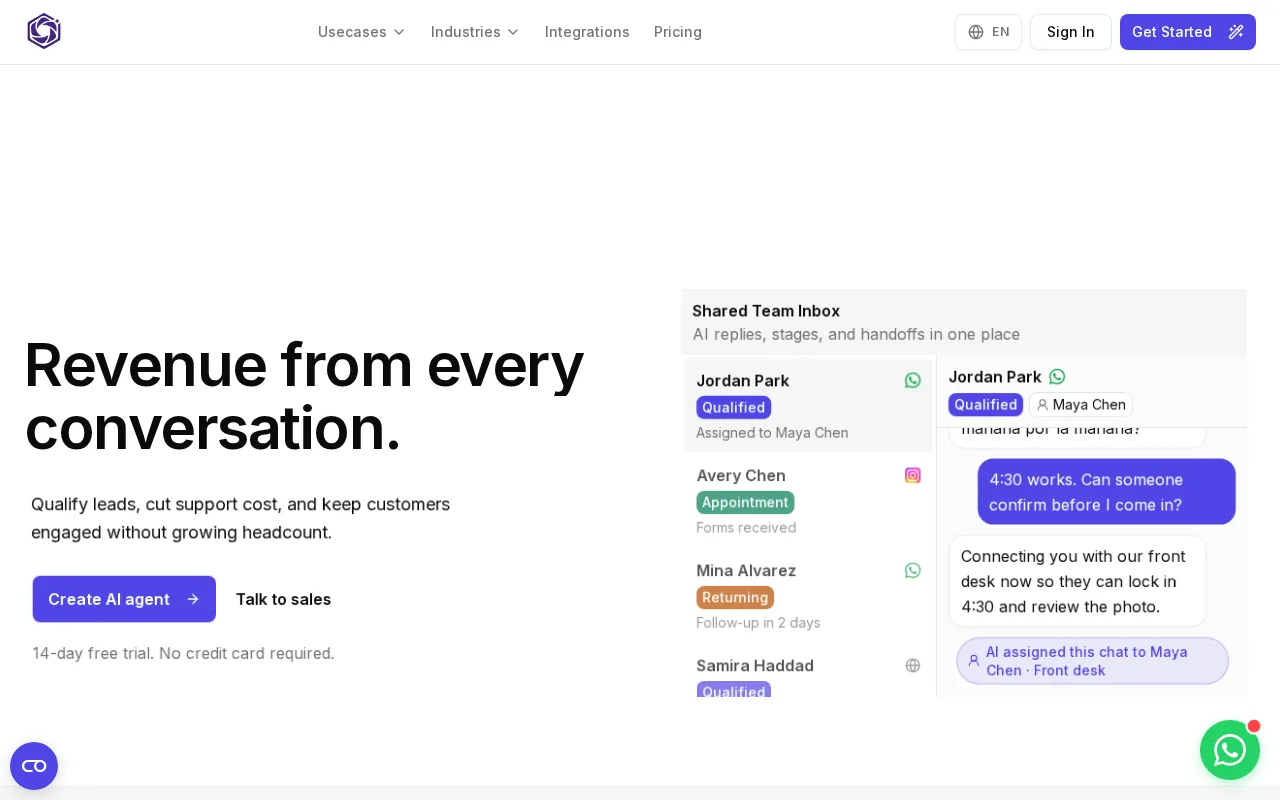
That workflow suits teams whose social messages can turn into bookings or sales, such as clinics, salons, real estate businesses, and professional services firms. Instead of treating every DM as a support ticket, your team can answer a common question, ask qualifying questions, and move a good-fit prospect toward a scheduled appointment.
It’s also useful when the same team handles both new inquiries and existing customer questions. For example, an AI agent can collect a prospect’s needs before a staff member steps in. A team member can then focus on the parts of the conversation that need judgment or a personal touch.
The shared inbox puts AI replies, conversation stages, and handoffs together. CXWizard also lets businesses connect a scheduling tool so a customer can book directly in chat. Teams evaluating the workflow can see how AI lead qualification works across chat channels, then decide which questions should be handled by AI and which should go to staff.
CXWizard has a 14-day free trial with no credit card required. Hobby is $40 per month, Starter $100 per month and Pro $290 per month, with an Enterprise option. Annual billing lowers those prices by 20%. Optional usage-based billing can cover AI responses above a plan’s monthly credits, so check the pricing details against your expected conversation volume.
For service businesses that want conversations to lead to qualified inquiries or appointments, CXWizard is a strong first option to test. Start with one channel and one clear workflow, such as answering service questions or collecting details before a booking.
Key Takeaway: CXWizard fits teams that want AI to move a customer conversation toward qualification, follow-up, or a booking, with a human handoff when needed.
2. Sprout Social: for social listening and team collaboration
Sprout Social provides a unified platform for managing cross-channel customer care on social media. It’s a fit for teams that need to coordinate replies while also paying attention to what customers are saying across social channels.
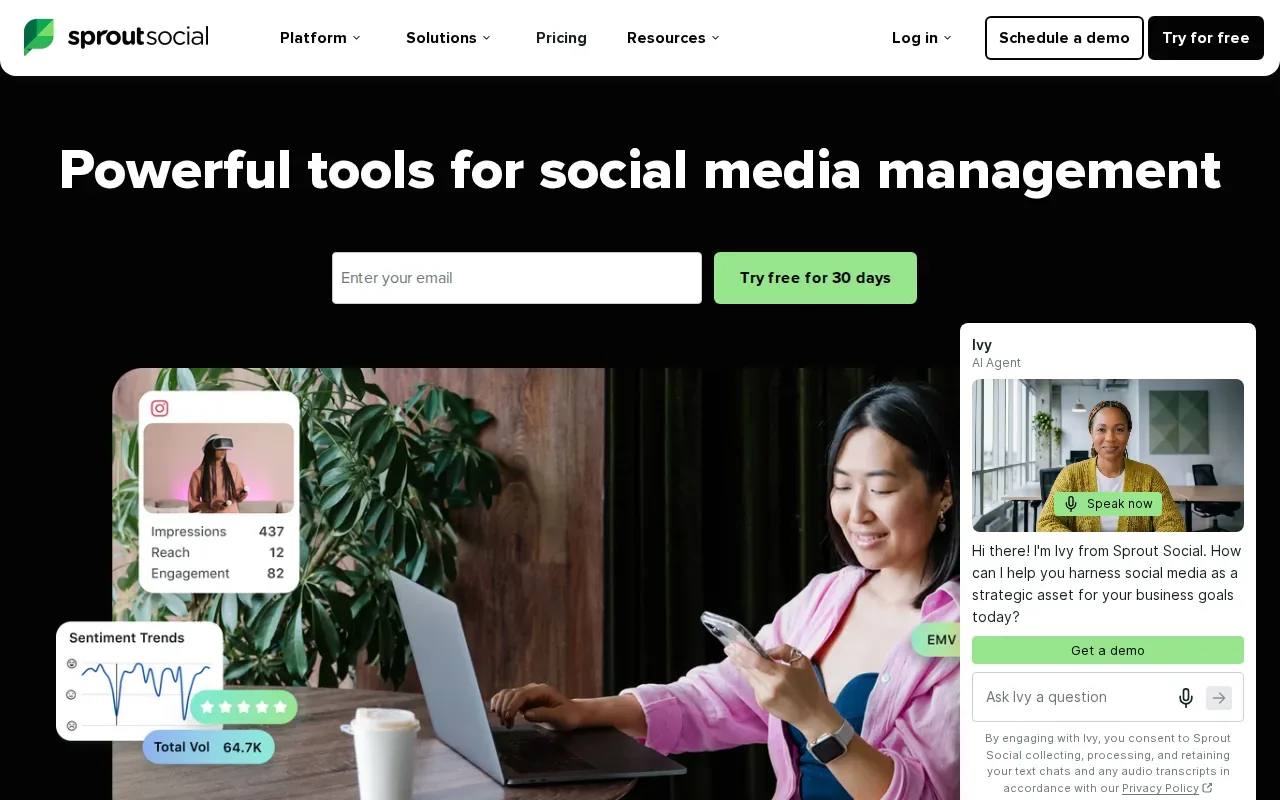
Its customer care tools support case management and reporting. Teams can use message signals to sort conversations, assign work, and keep an eye on service activity. Social listening can add context when a team wants to spot a topic gaining attention, rather than waiting for a direct message to reach the inbox.
That distinction matters when social care is shared across marketing and support. A campaign post may attract questions that need a service answer, while a wider change in conversation tone may need a manager’s attention. Sprout Social’s listening, post management, automation, and sentiment analysis can help teams review those signals alongside customer care work.
Sprout Social is best suited to teams that value scheduling and collaboration alongside social listening. It’s less directly tailored to appointment-led service workflows than a platform built around chat qualification and booking. Before choosing it, map the daily work: who monitors new signals, who owns a case, and how the team handles a conversation that shifts from a public comment to a private exchange.
Use it when social content and customer care sit close together in your organization. If your immediate goal is to turn inbound DMs into appointments, assess that workflow separately during a product evaluation.
3. Zendesk: for connecting social support with help-desk workflows
Zendesk uses AI to provide instant responses and simplify workflows for customer and employee experiences. Its best fit in this shortlist is a team that values ease of use and wants social support to connect with a broader help-desk operation.
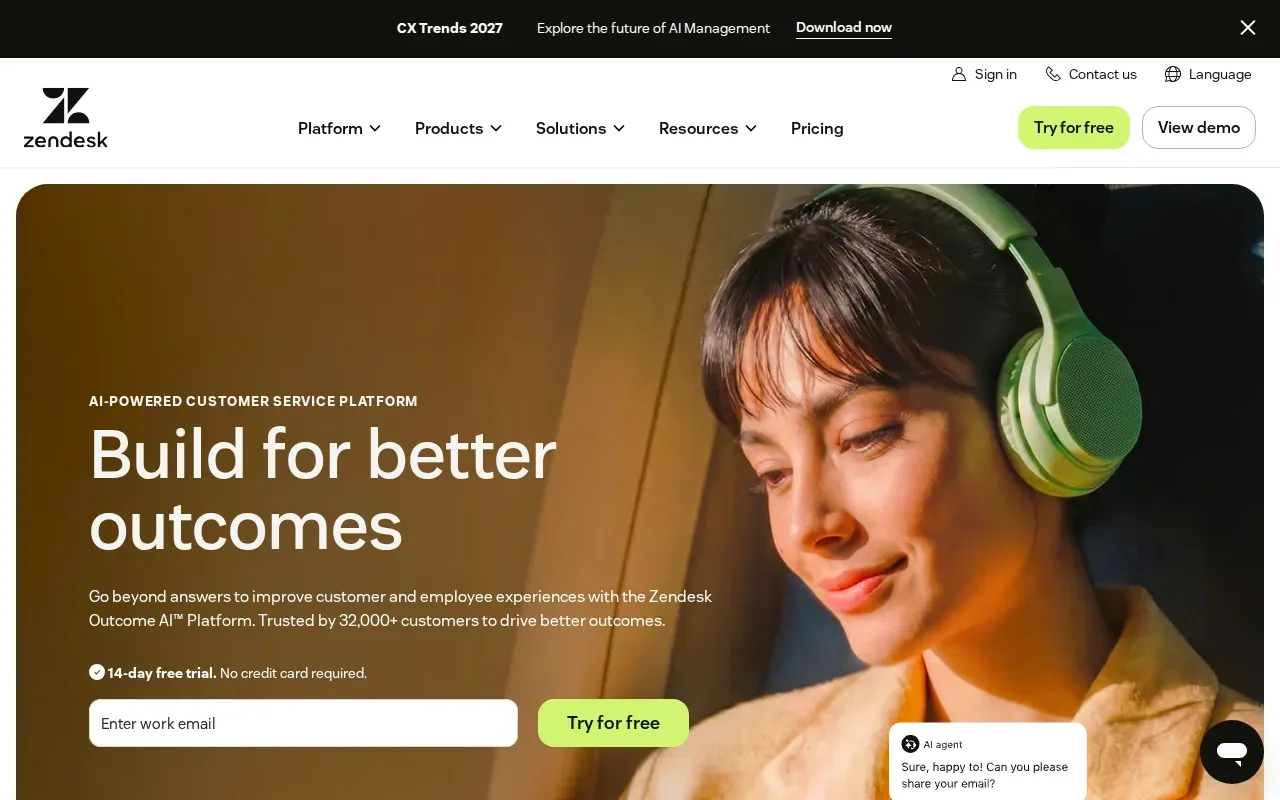
That can help when social questions are one part of a larger service queue. A team may need to answer a quick request right away, then move a more involved issue through a defined workflow. AI-powered instant responses can support the first part, while workflow automation helps the team manage what happens next.
For example, imagine a customer comments on a business post with a question that needs account-specific help. The team can use a defined process to identify the right next step and keep the conversation from getting lost among routine comments. The exact setup should reflect your support rules, staff roles, and the way your team records customer issues.
When you compare Zendesk with a social-first tool, focus on how the social conversation fits into the rest of your service work. Ask how agents will see the context they need, how an issue moves to the right person, and how your team will review AI replies before using them in customer-facing workflows.
Teams also need a clear policy for when automation should stop. A request involving a sensitive complaint or a complex decision may need a person, even if an AI response could answer a basic question. Set those handoff rules before expanding automation, and check that the workflow matches your service standards.
If your team is comparing broader automation approaches, the customer service automation workflow guide can help you think through where a human handoff belongs. Zendesk is worth considering when ease of use and workflow management matter more than specialized lead booking.
4. Statusbrew: for teams combining social publishing and customer care
Statusbrew is a social media management platform that combines content publishing with a unified inbox. It’s a fit for social media and support teams that want publishing and customer care to share a workspace.
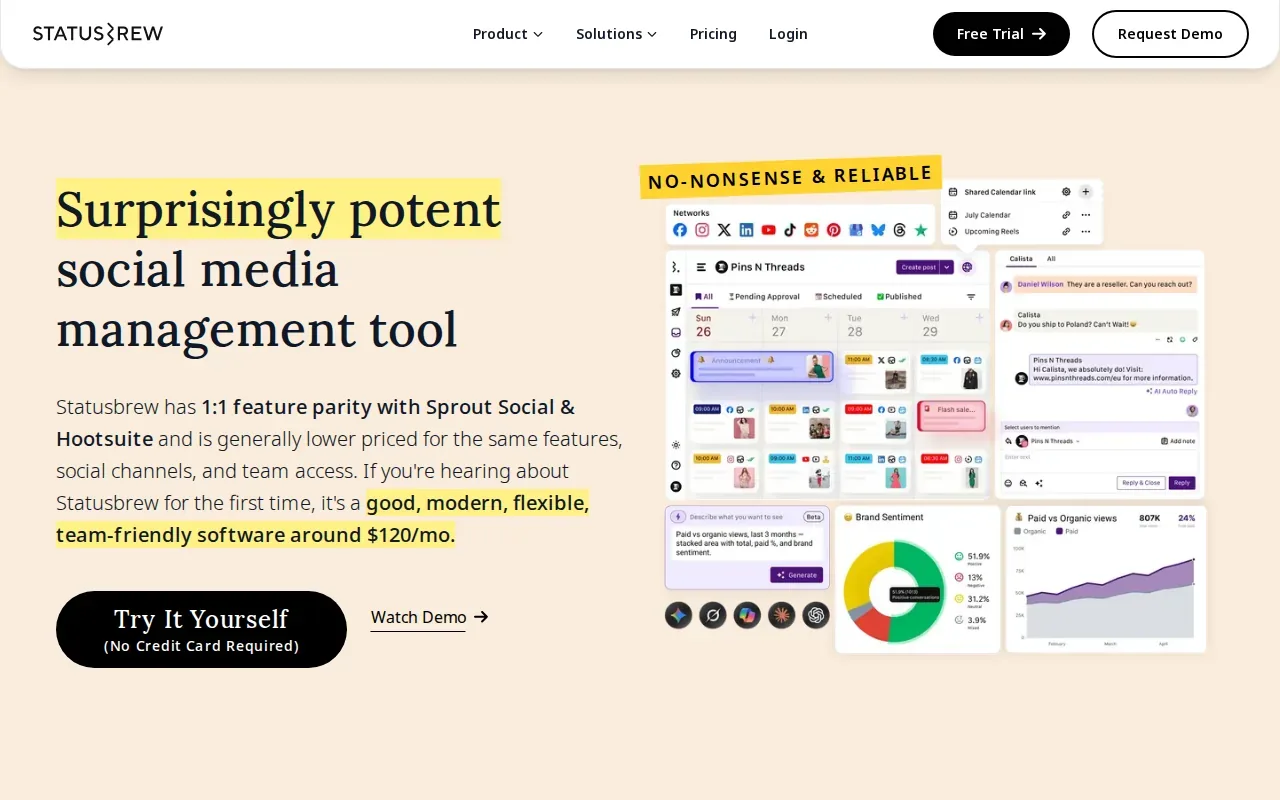
This shared setup can help when the same team plans posts and responds to the audience. A scheduled post may prompt questions or complaints, and a unified inbox gives the team a place to handle those replies without treating publishing and care as separate jobs.
Statusbrew’s integrations include Salesforce, HubSpot, WhatsApp, LINE, and Google Business Profile. These connections can matter when social inquiries need to sit alongside customer records or messages from other channels. Check which connections support the exact workflow you need before building your process around them.
Statusbrew starts at $49 per month. Cost alone won’t tell you whether it fits. Compare the price with the number of staff who need access, the channels your team uses, and how often you need to move from content planning into customer replies.
Statusbrew is a sensible choice when your social team owns both content and audience engagement. It may be less suited to a service business whose main goal is to qualify a lead and book an appointment through a conversation. In that case, check whether the social publishing tools are worth paying for alongside the care workflow.
For teams considering the data side of social publishing, a separate overview of unified media APIs for creators may help clarify how content tools connect with publishing workflows. Keep that need distinct from customer support: publishing infrastructure won’t replace a clear process for answering and assigning customer messages.
Pro Tip: Before a trial, write down one post-to-reply workflow your team repeats. Test that exact path, including who owns a customer response once it moves from a public comment into support.
5. Khoros: for enterprise teams handling high interaction volumes
Khoros is an AI-native social media management and customer care platform. It centralizes social listening, message queues, and intelligent routing for enterprise teams handling high volumes of multilingual conversations across global markets.
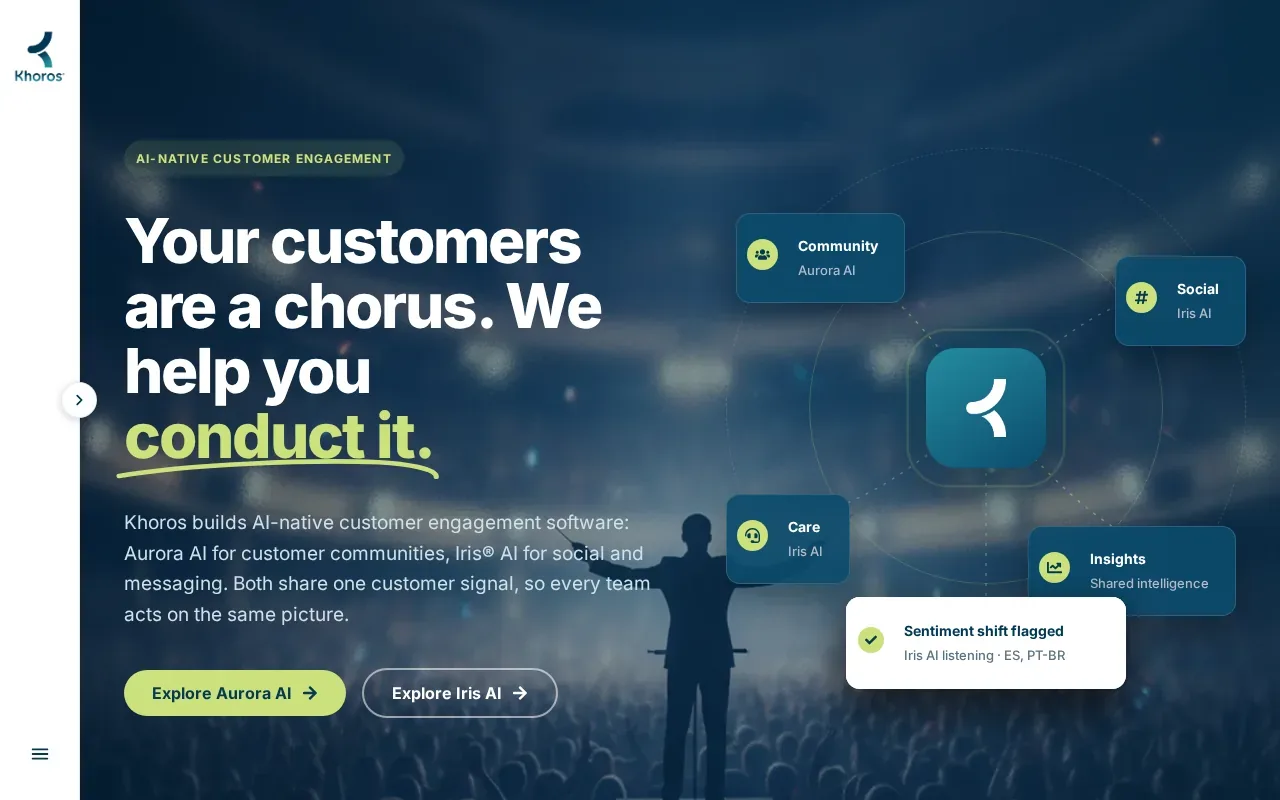
Its position makes sense for organizations that need more than a single shared inbox. When teams cover multiple markets, languages, and service groups, listening and routing help staff decide which conversations need attention first and where those conversations should go.
Khoros lists integrations with Salesforce, Microsoft Dynamics 365, HubSpot, Brandwatch, and NetBase. Those connections may suit teams that already use customer relationship management or listening systems as part of their social operation. Plan the handoff between systems carefully so staff know where the current customer record and next action live.
Khoros starts at $39 per user per month. For an enterprise team, the per-user figure is only one part of the cost decision. Consider the number of people who need access, the markets that require coverage, and the operational work needed to set up routing and governance.
Khoros is aimed at enterprise-scale social care, so a smaller service business should first check whether its broader capabilities match its daily workload. If your team mainly needs to answer a modest flow of DMs and convert inquiries into bookings, a more focused platform may be easier to evaluate and operate.
High-volume teams should also review how automated actions are monitored. Define which cases need escalation, who can change routing rules, and how managers will review the queue when conversation volume spikes. Those are operating questions, not just feature checks.
6. Emplifi: for managing social messages, comments, mentions, and reviews
Emplifi is a social customer service platform that consolidates DMs, comments, mentions, and reviews from social and messaging channels. It’s best for enterprise teams managing high interaction volumes across several channels.
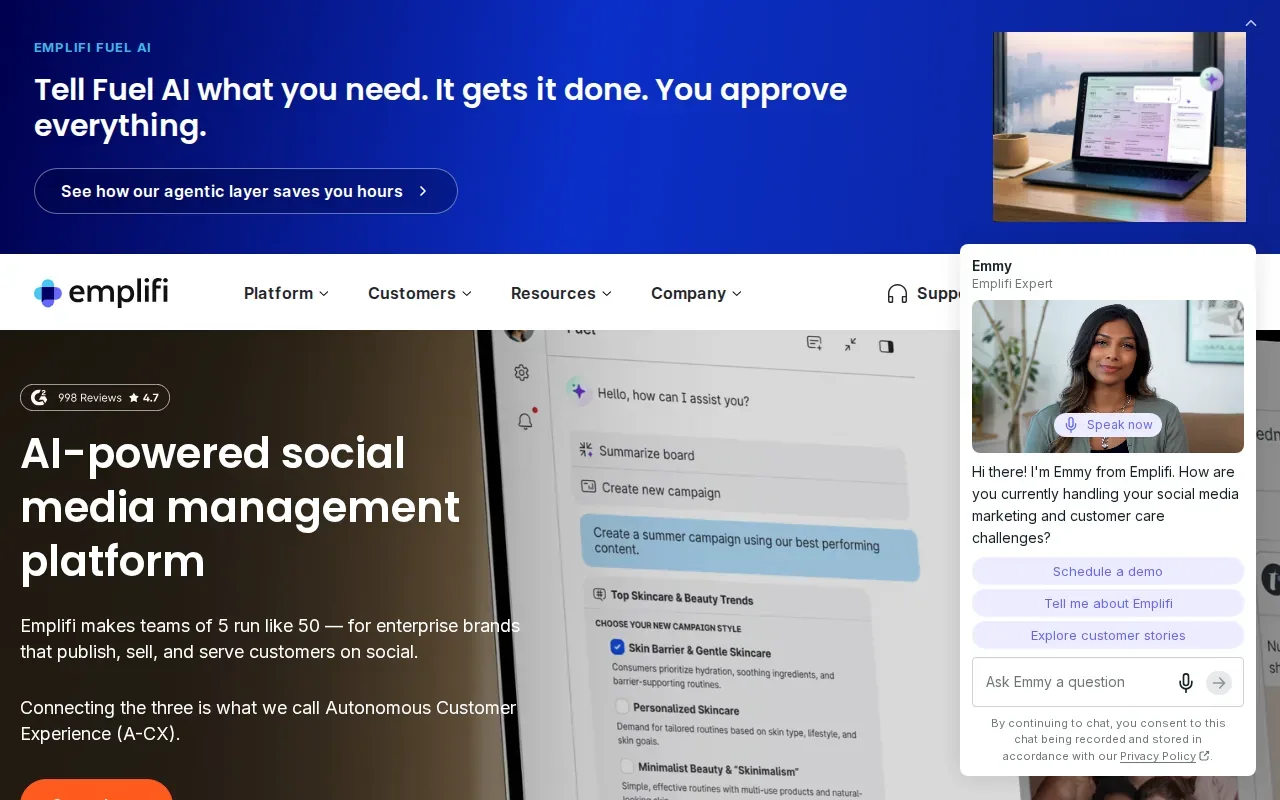
A unified view can make it easier for a large care team to see where a customer is speaking and what needs a response.
Its integrations include Salesforce Service Cloud, HubSpot, Microsoft Dynamics, Zendesk, and a REST API. For teams with existing service systems, those connections can help relate social messages to the processes staff already use. The key evaluation question is how the integration affects the agent’s daily work, not just whether two systems can connect.
Emplifi starts at $1,249 per month. That price point signals a different buying conversation from a small team looking for a basic shared inbox. Enterprise buyers should weigh channel needs and team scale against implementation work, governance needs, and the current service process.
Emplifi may fit a brand that needs to manage many interactions across social and messaging channels. For a local clinic or salon, the useful test is narrower: can the team respond to common questions, route sensitive requests, and keep the booking path clear? A platform can have broad scope and still be more than a small team needs.
If your company also publishes product content for online stores, an overview of AI content tools for ecommerce covers an adjacent workflow. Keep the use case separate when comparing support platforms: product copy generation is not the same task as routing a customer’s service request.
Compare the Best Social Media Customer Service Software
Compare the starting prices with your own seat count, conversation volume, and integration needs before making a budget decision.
| Option | Best fit | Key workflow | Starting price |
|---|---|---|---|
| CXWizard | Service businesses | AI qualification, follow-up, booking, and human handoff | $40/month |
| Sprout Social | Scheduling and collaboration | Social listening and coordinated customer care | Check current plans |
| Zendesk | Ease of use | AI instant responses and workflow simplifying | Check current plans |
| Statusbrew | Social and support teams | Publishing alongside a unified inbox | $49/month |
| Khoros | Enterprise, multilingual teams | Listening, message queues, and routing | $39/user/month |
| Emplifi | Enterprise, high-volume teams | Social and messaging interactions in one service workflow | $1,249/month |
The prices aren’t directly interchangeable. CXWizard offers monthly or discounted annual billing, while other tools use different billing units. A per-user price changes with staffing, while a monthly platform price may depend on the package and usage. Ask for a full estimate based on the users and channels you plan to run.
Think about the work before you compare feature names. A clinic may need quick answers about services, then a route to an appointment. A global care team may care more about language coverage and routing across markets. A social team may need publishing and customer replies in the same daily workspace.
Social listening and analytics can help managers spot recurring issues or shifts in customer sentiment. Ticketing and routing help turn a message into owned work. Automation can reduce repeat manual replies, but it needs clear boundaries and a human path for requests that require judgment.
Security and privacy deserve a direct review during procurement, especially when a social conversation includes personal or account details. Ask where customer data is stored, who can access it, what the integration passes between systems, and how staff handle a conversation that should move to a private channel. A general guide to deepfake detection and human review in hiring is about a different use case, but it reinforces a useful principle: AI-assisted decisions need a defined human review path.
For a small service team, CXWizard is the clearest match when the goal is to qualify inquiries and book appointments in chat. Start with its free trial and test one live workflow before you compare more advanced enterprise systems.
Key Takeaway: Choose based on the work your team needs to finish inside a conversation, not the longest feature list.
Pro Tip: Track response time and the next step taken on each inquiry during a trial. That gives your team a direct way to judge whether the workflow is helping.
Frequently Asked Questions
What does social media customer service software do?
Social media customer service software helps teams manage customer messages and replies across social channels. Depending on the tool, it may bring messages into a shared inbox, route work to staff, support automation, or help managers review service activity. The right fit depends on whether your team mainly answers support questions, manages social engagement, or turns conversations into sales and bookings.
What features should I look for in social customer service software?
Look for a shared way to review incoming messages, assign ownership, and track what happens next. Then check for the features your workflow needs, such as ticketing, social listening, automation, AI replies, reporting, or CRM and help-desk integrations. Ask how the tool handles a complex request that needs a person, since a clear handoff matters as much as an automated first reply.
Can AI answer social media customer questions?
Yes, some platforms use AI to provide instant responses or automate parts of a customer conversation. CXWizard’s AI agents can answer and qualify inquiries, follow up, and book appointments across supported chat channels, with a handoff to a person when needed. Set clear limits for what AI can answer, then test the handoff before letting automation handle customer-facing messages.
How much does social media customer service software cost?
Prices vary by product and billing unit. Starting prices range from $40 per month for CXWizard to $1,249 per month for Emplifi, while Khoros starts at $39 per user per month. Compare the plan structure with the number of people who need access and the conversations you expect to handle. A starting price alone won’t show the full cost of your setup.
Which tool is best for a small service business?
CXWizard is a strong fit for a small service business that wants to handle inquiries and bookings through WhatsApp, Instagram DMs, or website chat. Its AI agents can qualify leads and follow up, while the shared inbox gives staff a place to take over when needed. Use the 14-day free trial to test one service question or appointment workflow with your team.
Conclusion
If your team needs social conversations to lead to qualified inquiries or appointments, start with CXWizard. It combines AI-led chat workflows with a human handoff and a 14-day free trial. Review CXWizard’s current plans, then test one customer journey before expanding to more channels.