
WhatsApp marketing that brings clients back
Email gets ignored. WhatsApp gets opened. Send rebooking reminders, seasonal check-ins and win-back messages to clients who already know you, with approved templates and clear costs.
Start a 14-day free trial. No credit card required.
CXWizard
Broadcast preview
Why service businesses underuse WhatsApp marketing
You already paid to acquire the client. Silence after the visit leaves renewals on the table.
Without a rebooking prompt, six-month treatments and annual services slip.
Teams worry about bans, template rules and surprise fees.
Blast offers ignore who is due for a visit versus who just booked.
How WhatsApp marketing works in CXWizard
Compliant templates, targeted lists and measurable sends.
Build or import your list
Start from contacts who already messaged you or import a permitted list.
Use an approved template
Create rebooking, reminder or win-back copy that matches Meta's template rules.
Preview cost and send
See message estimates before you launch. Meta fees pass through with no CXWizard markup.
Handle replies in the inbox
When someone answers, your AI or team continues the conversation in the shared inbox.
Built for retention, not just promos
Clinics, salons, tutors and home service teams that live on repeat visits.
WhatsApp is where many customers actually read business updates.
Pair broadcasts with AI follow-up when someone replies.
Zero CXWizard markup on Meta WhatsApp fees.
Drive Sales with WhatsApp Bulk Messaging Campaigns
Reach your customers where they actually read messages. Create targeted broadcast campaigns to increase engagement, promote offers, and drive traffic to your website.
Pay Meta’s raw message fee — no added surcharge.
Surcharges are often added on top of Meta fees.
Markup policies vary by provider; 20% is shown as a typical example.
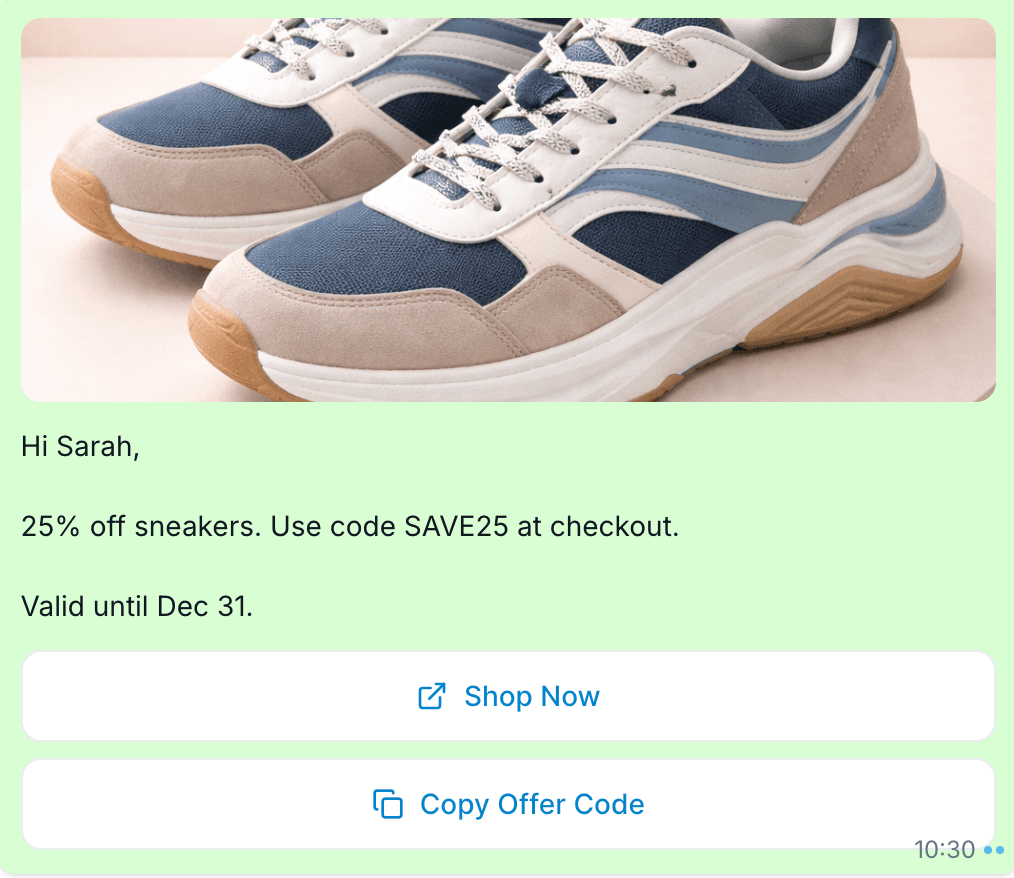
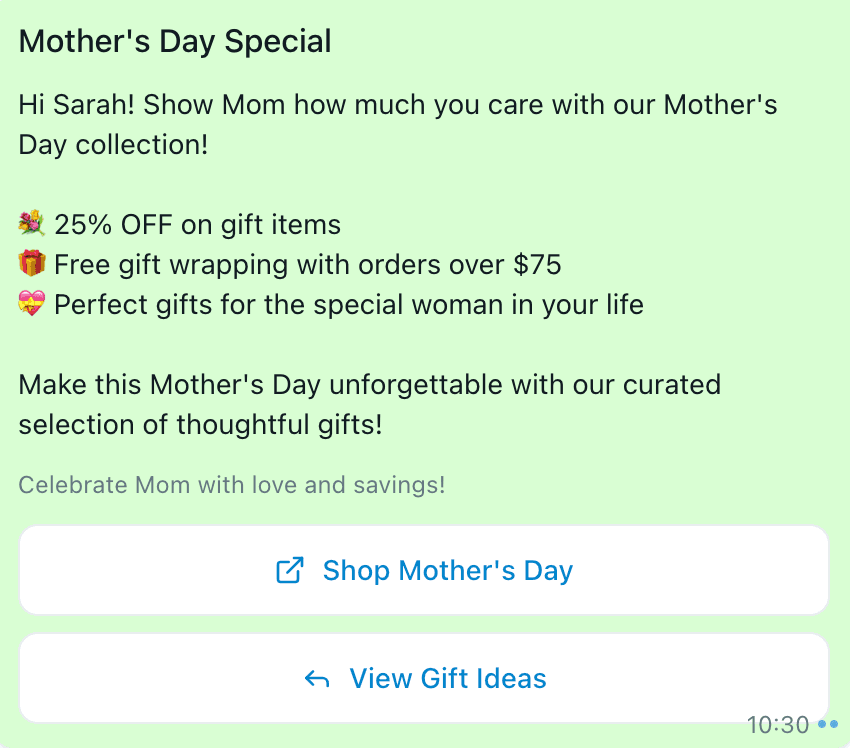
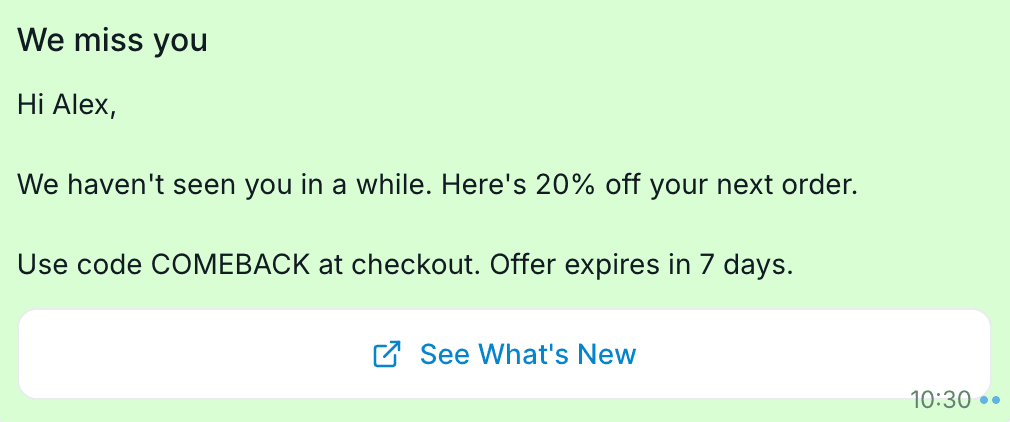
Ready-Made Campaign Templates
WhatsApp marketing FAQs
Common questions about broadcasts and templates with CXWizard.
Do I need Meta template approval?
Yes for most messages outside the customer care window. CXWizard helps you send approved templates.
Can I use this for rebooking reminders?
Yes. That is one of the highest-value uses for clinics, salons and service businesses.
Will this get my number banned?
Follow Meta's rules, use approved templates and message people with a legitimate basis. Warm up gradually on new numbers.
How are WhatsApp message fees billed?
Meta charges per message category. CXWizard does not add a markup on those fees.
Can replies be handled by the AI?
Yes. Replies land in your inbox where the AI or your team can continue the conversation.